Why Convert Vietnamese Videos to English Voice?
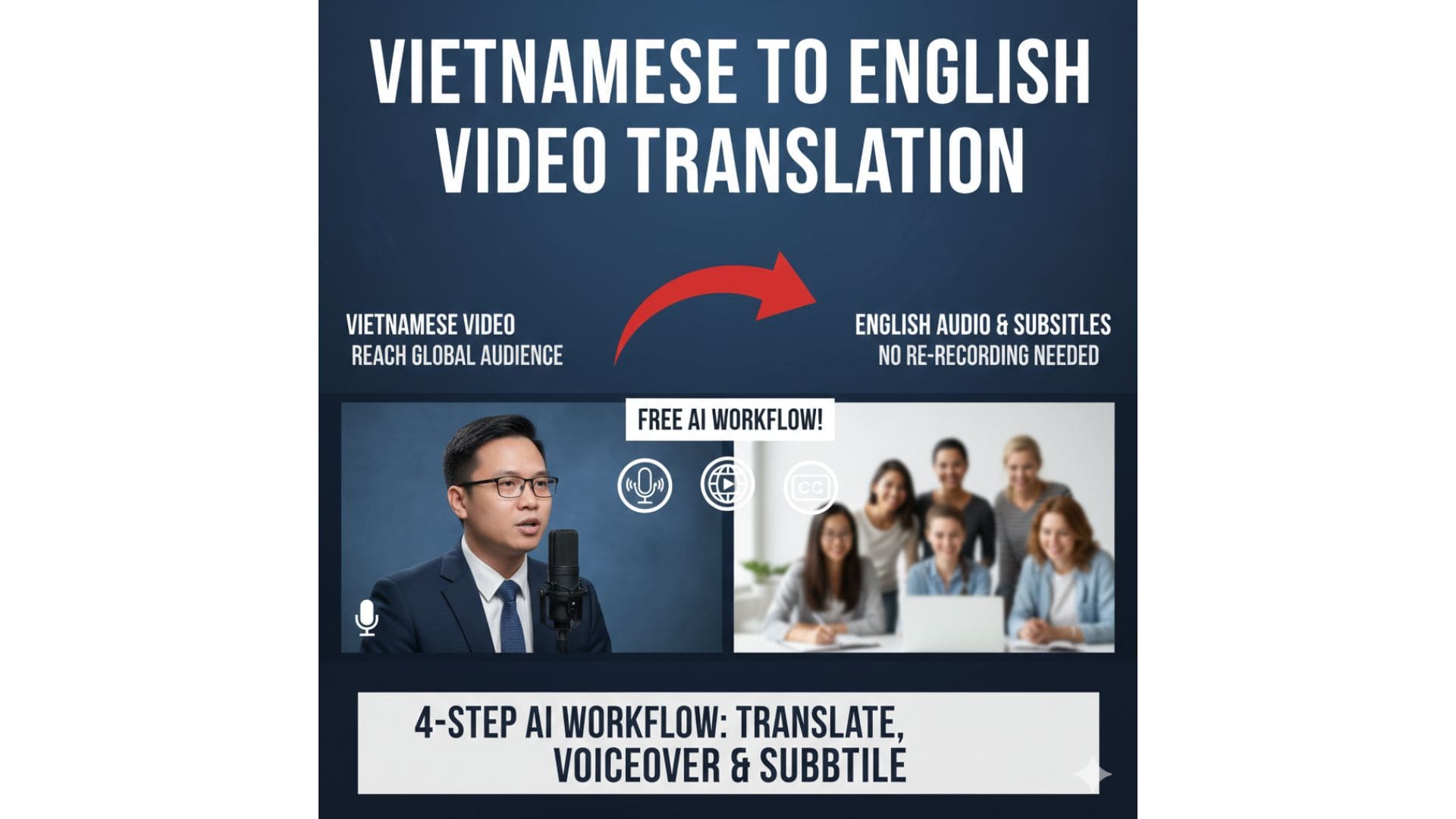
Many creators want to reach a global audience but don’t want to re-record their videos or speak English on camera. The most practical solution is to use SRT subtitles to automatically convert Vietnamese videos into English voice-over.
In this article, I share a real-world workflow that:
- Keeps the original video
- Requires no re-recording
- Uses free tools only
I've made a demo video showing how to use the tools and adjust the capo, you can watch it on YouTube here:
Workflow Overview
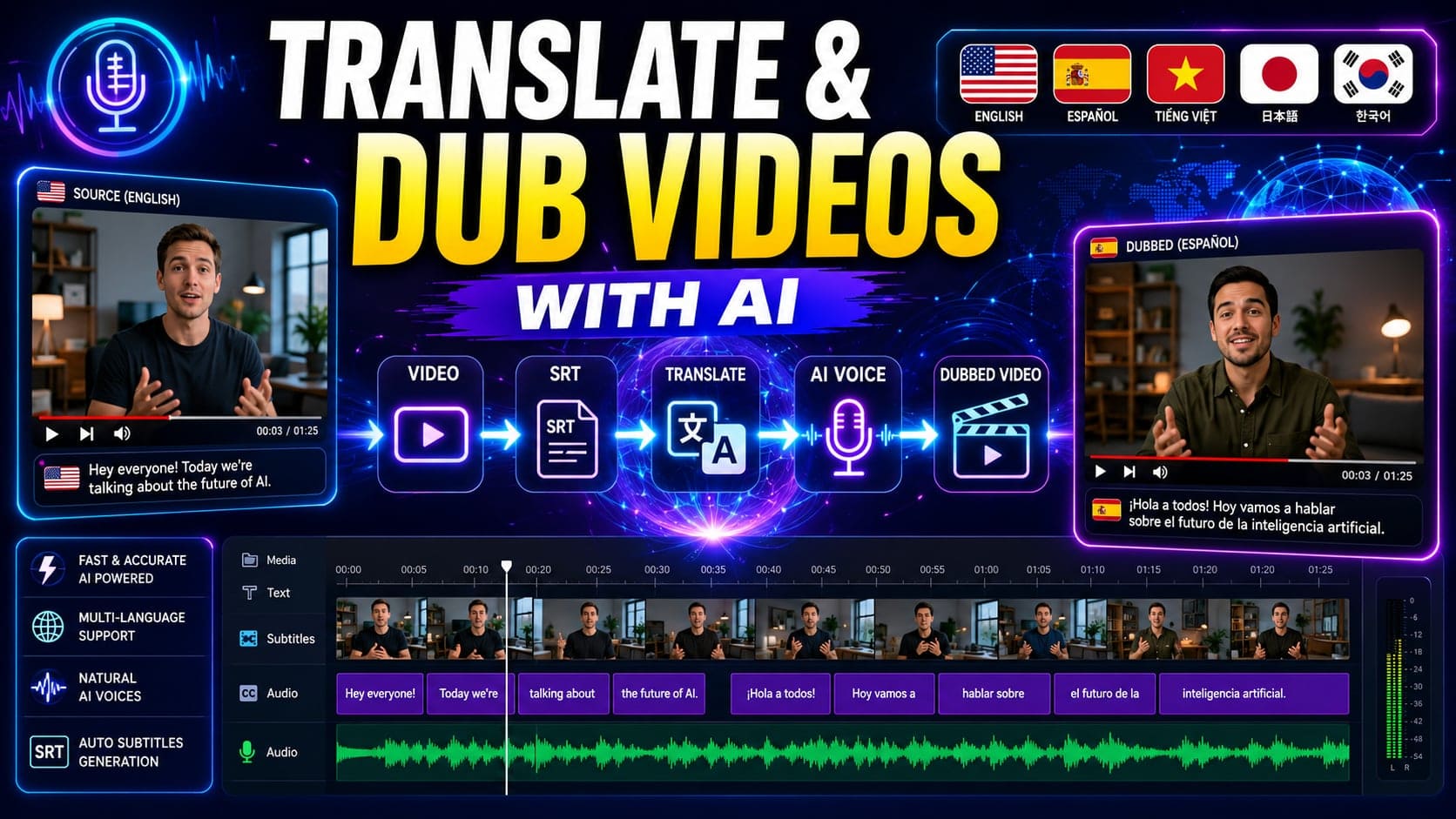
The process includes four main steps:
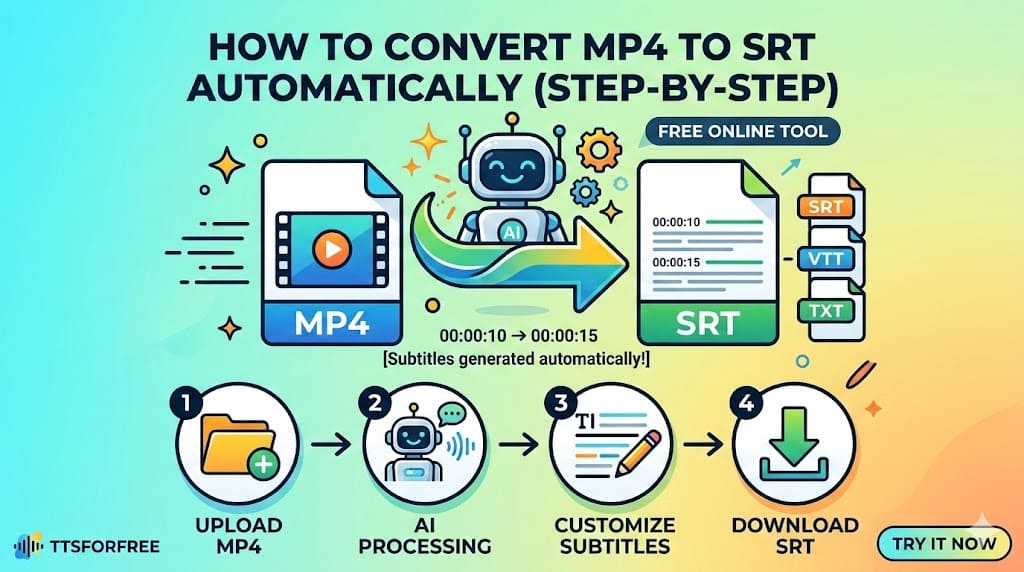
- Generate an SRT file from the Vietnamese video
- Translate the SRT into English
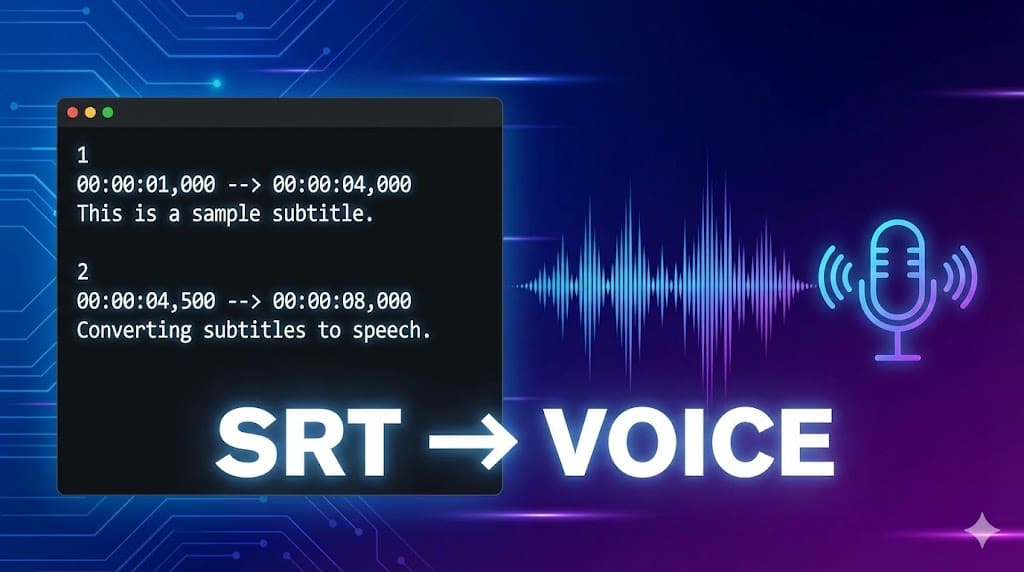
- Convert the English SRT into speech
- Merge the audio and subtitles back into the video
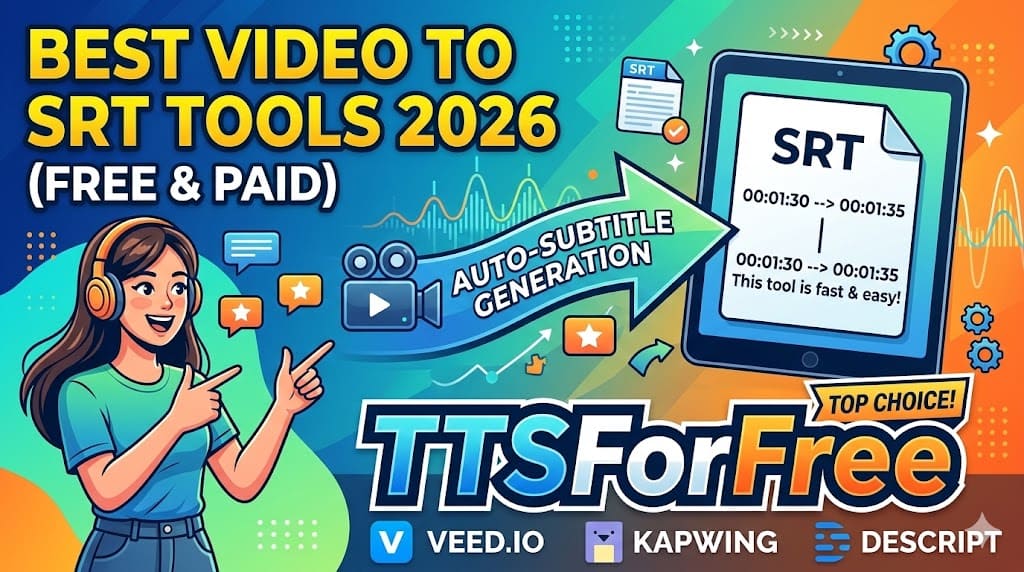
Step 1: Generate an SRT File from a Vietnamese Video
Upload your Vietnamese video to a free subtitle generation tool.
Each day, you can upload a limited number of videos, with each video usually capped at around 30 minutes.
After processing, download the generated .srt file.
You can also try directly converting video or audio to an srt file here.
Step 2: Translate the SRT into English
Open the SRT file and copy its content into an AI translation tool such as ChatGPT.
Ask it to:
- Translate everything into English
- Fix broken or cut-off sentences
- Keep the original timestamps
Once done, paste the translated content back into the SRT file and save it.
Step 3: Convert SRT to English Speech
Next, upload the English SRT file to an SRT to Speech tool.
Here you can:
- Select an English voice
- Automatically detect the language
- Generate audio that follows the SRT timeline
This step usually takes less than a minute for short videos.
Step 4: Merge Audio and Subtitles Back into the Video (capcut)
Finally:
- Import the original video
- Import the generated English audio
- Import the English SRT file
- Check synchronization between voice and subtitles
You may adjust subtitle size or layout for better readability if needed.
Final Result
- A complete English version of your video
- No re-recording required
- Original content preserved
- Suitable for YouTube, tutorials, and online courses
Who Is This Workflow For?
- YouTubers targeting international audiences
- Online course creators
- Content creators who don’t speak English fluently
- Developers and technical educators