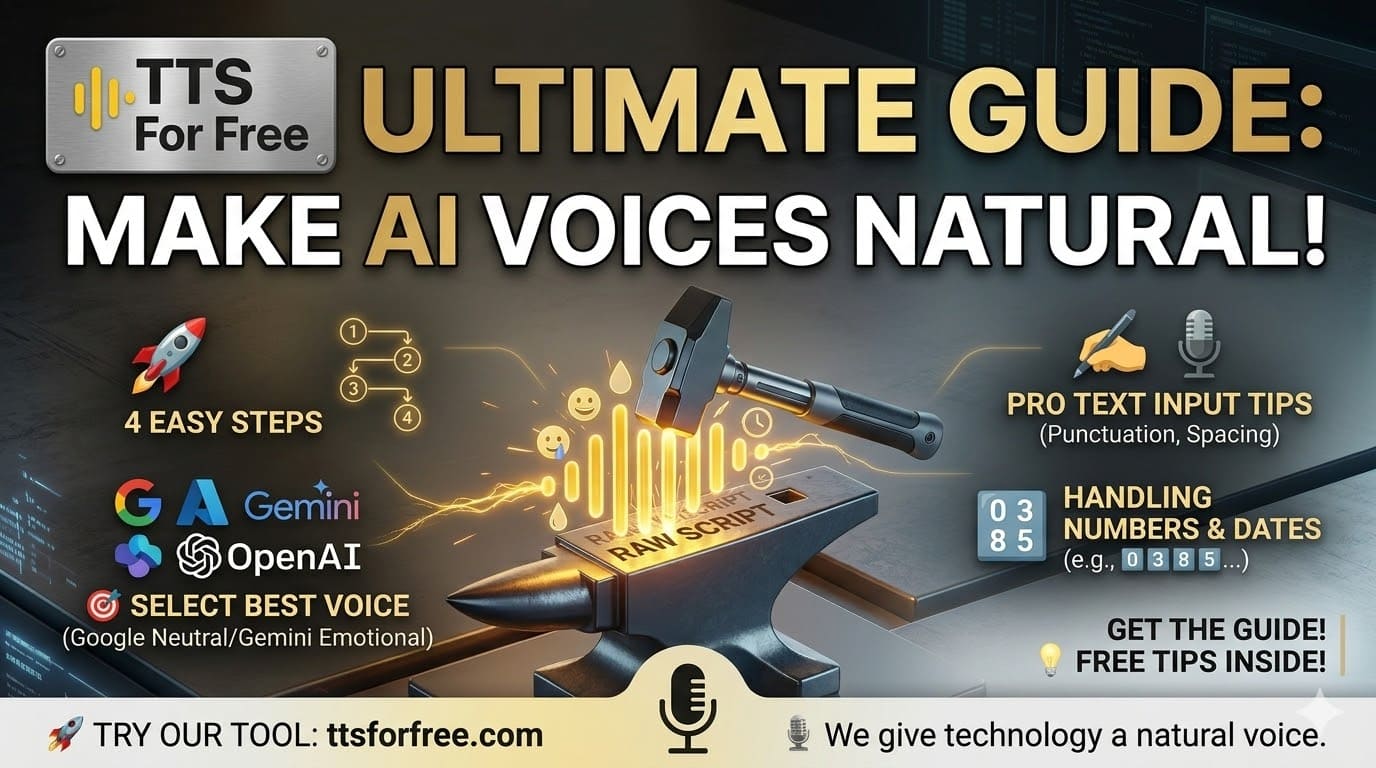
In this guide, you’ll learn how to use Text to Speech (TTS) step by step and discover practical tips to make your AI voice sound more natural and engaging 🔥
🚀 1. Basic Workflow
You only need 4 simple steps:
Step 1: Enter your text
Paste or type the content you want to convert into speech.
Step 2: Select language
- Click Detect Language to auto-detect
- Or choose manually if needed
Step 3: Choose a voice
You can preview voices before selecting:
- Azure – high quality, advanced configuration
- Google – natural and stable (best for most cases)
- OpenAI – newer voices, improving over time
- Gemini – expressive, emotional storytelling 🔥
Step 4: Generate and download
- Click Generate
- Download your audio file (MP3)

🎯 2. Which voice should you choose?
Depends on your goal:
- Best for English & Vietnamese
- Recommended: Neutral voice → natural and balanced
✅ Azure
- High-quality output
- Great for professional projects
✅ Gemini
- Best for emotional speech & storytelling
- Can be controlled via prompt (happy, sad, dramatic…)
✅ OpenAI
- Still evolving
- Good for testing new styles
👉 If unsure: Google Neutral is the safest choice

✍️ 3. Tips for more natural speech
This is the most important part:
✅ Do:
- Use punctuation (., !, ?) for pauses
- Write clear and short sentences
- Break text into paragraphs
❌ Don’t:
- Avoid emojis (😊🔥😂) → may break pronunciation
- Don’t write long sentences without punctuation
🔢 4. Handling numbers, dates, phone numbers
For better pronunciation:
- Add spacing between numbers
- → Example:
0 3 8 5... - Or use advanced settings at:
- 👉 /ttsforge
⚙️ 5. Useful features
- Voice preview before generating
- Adjust speed and volume
- Download MP3 quickly
- Share audio via link
- Save history (when logged in)

💡 6. Pro tips for better AI voice
- Use ChatGPT to rewrite your script naturally
- Add punctuation for better rhythm
- Use Gemini for emotional tone
- Test multiple voices before finalizing

👉 This guide should help you get better results with TTS.
If you need support, feel free to reach out 🚀