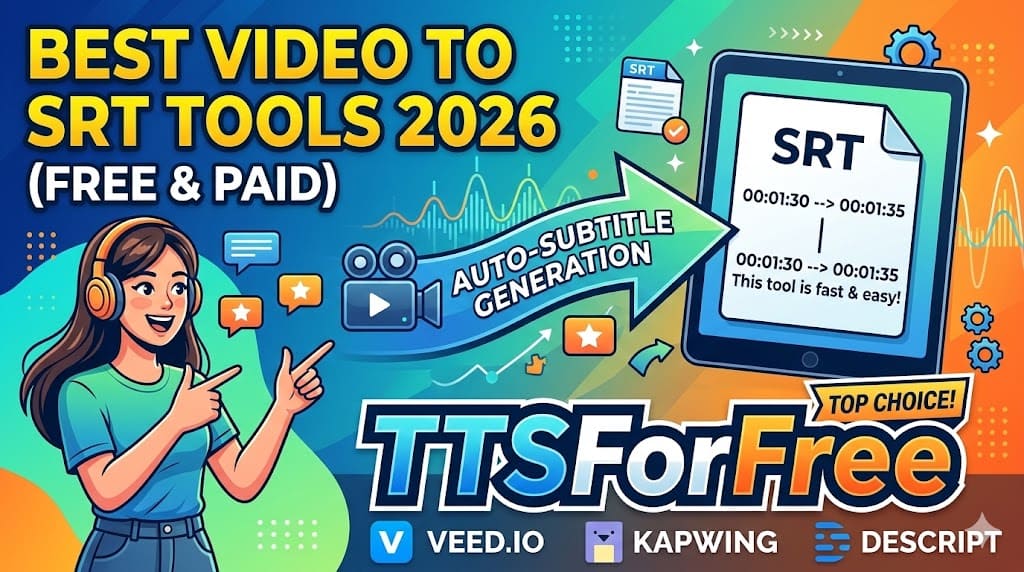
Best Video to SRT Tools in 2026 (Free & Paid)
Subtitles are no longer optional in 2026. Whether you're publishing on YouTube, TikTok, online courses, or social media, subtitles improve accessibility, engagement, and SEO.
If you're looking for the best video to SRT tools, this guide compares both free and paid options — including features, pricing flexibility, formatting control, and workflow ecosystem.
What Makes a Great Video to SRT Tool?
Not all subtitle generators are equal. The best tools offer:
- Accurate speech recognition
- Fast processing
- Formatting control
- Multiple export formats
- Translation support
- Subtitle editing options
- Re-download & restore features
- Flexible pricing
Let’s explore the top tools in 2026.
1. TTSForFree – Flexible, Affordable & Workflow-Focused

Website:
https://ttsforfree.com/en/video-to-srt/
TTSForFree is a powerful yet lightweight video to SRT tool designed for creators who want flexibility without committing to expensive subscriptions.
Unlike many platforms that require high monthly fees, TTSForFree offers both generous free usage and affordable small packages.
Free Daily Usage
TTSForFree typically allows 6–7 minutes of free subtitle generation per day, making it ideal for:
- Short-form video creators
- YouTube Shorts & TikTok users
- Students
- Occasional subtitle generation
If you need more processing time, you can purchase a small, affordable package and use it comfortably without subscribing to a large monthly plan.
This makes it especially attractive for solo creators and indie developers.
Key Features
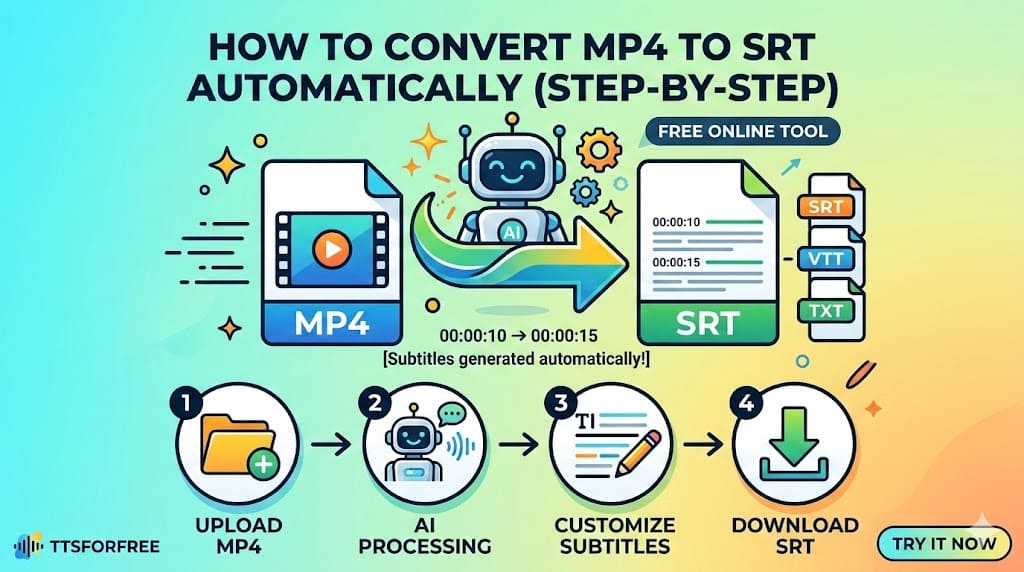
- Upload MP4 or MP3
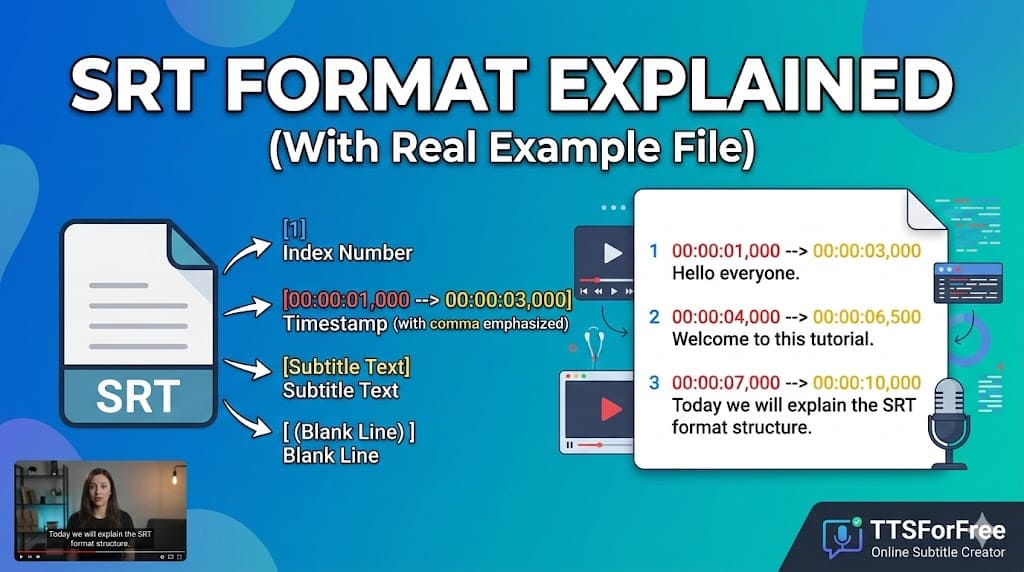
- Automatic speech-to-text with timestamps
- Adjustable maximum characters per subtitle line
- Export SRT, VTT, or TXT
- Subtitle history management
- Restore previous jobs
- Re-download without re-uploading
The ability to configure subtitle formatting before export gives creators more control than many basic AI tools.
Strong Subtitle Formatting Control
TTSForFree allows you to:
- Set maximum characters per subtitle line
- Improve readability
- Optimize subtitles for YouTube or TikTok
- Avoid awkward line breaks
Many tools generate subtitles automatically — but fewer allow real formatting configuration before downloading the SRT file.
Subtitle History & Restore System
One standout feature is job history management.
You can:
- View previous subtitle conversions
- Copy SRT instantly
- Download again anytime
- Restore and continue editing
This saves time and avoids unnecessary re-uploads — especially useful if you manage multiple projects.
Built-In Ecosystem: Edit, Translate & Convert to Voice
TTSForFree is more than just a video to SRT converter.
After generating subtitles, you can:
Edit Subtitles Easily
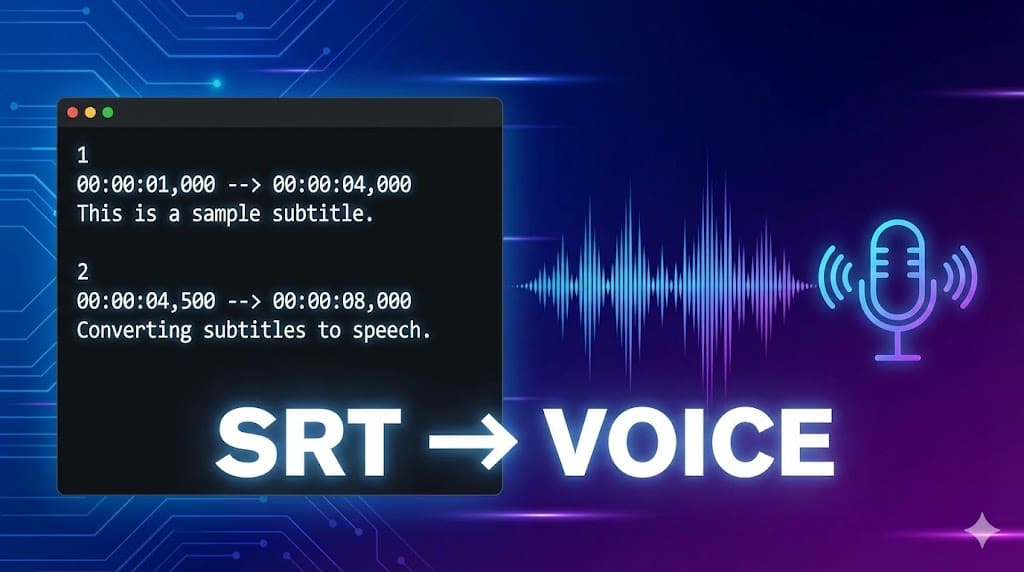
Open your SRT inside the SRT-to-Speech tool to refine text.
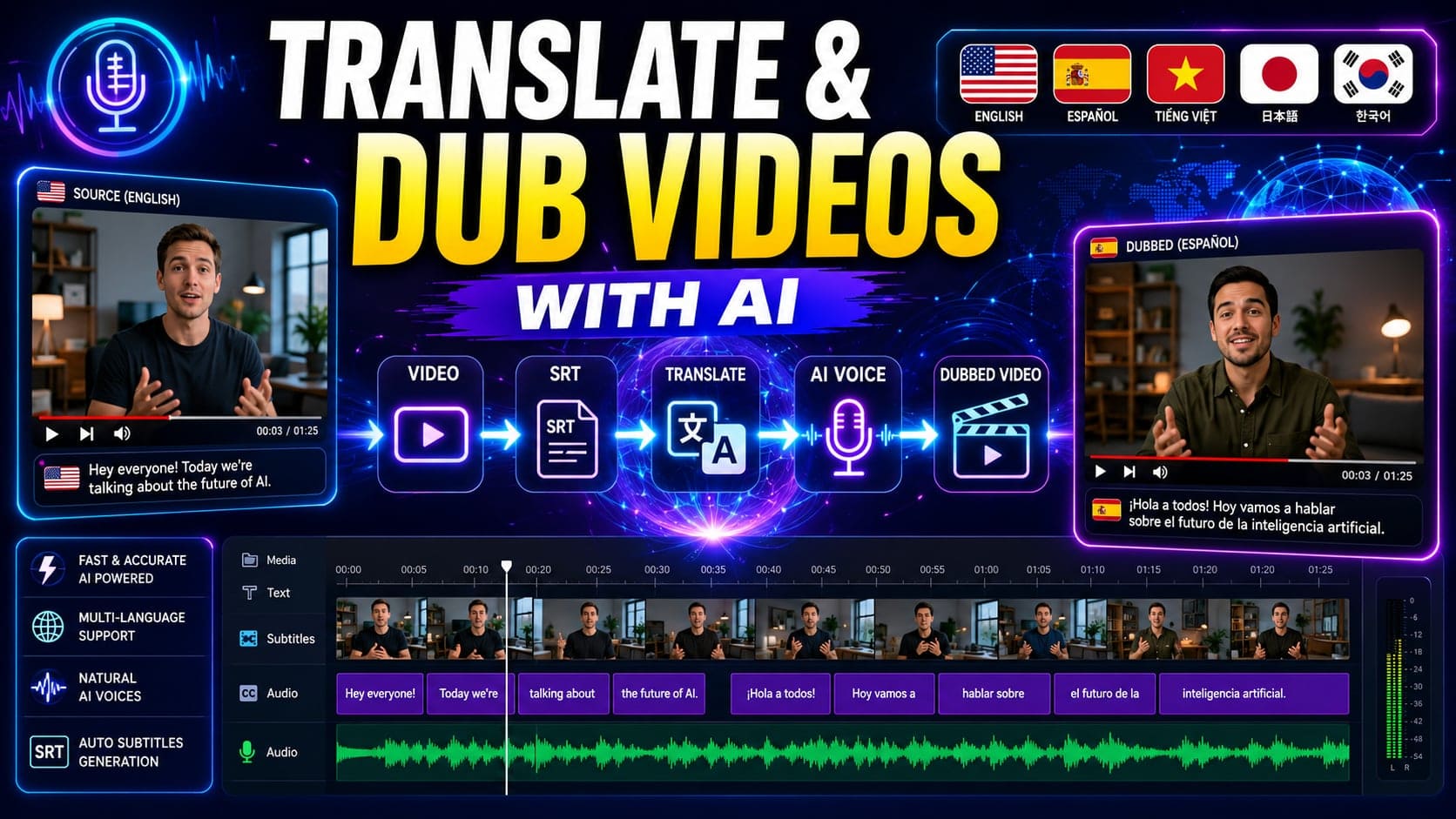
Automatically Translate Subtitles
Generate multilingual versions quickly.
Manually Adjust Translations
Fine-tune translated subtitles before publishing.
Convert SRT to AI Voice
Turn subtitles into voiceovers for:
- Dubbing
- Podcast production
- Automated content
- Accessibility
This ecosystem approach makes TTSForFree a full subtitle-to-audio workflow platform, not just a basic transcription tool.
2. VEED.io – Premium Online Video Platform

VEED offers subtitle generation as part of its all-in-one video editing platform.
Pros
- Clean UI
- Fast subtitle generation
- Styling options
Cons
- Requires paid subscription for advanced export
- More expensive for full access
Best for marketing teams and professional creators.
3. Kapwing – Online Editor with Subtitle Tool

Kapwing combines video editing and subtitle generation.
Pros
- Browser-based
- Collaboration features
- Built-in video editor
Cons
- Watermarks on free plan
- Limited formatting control
Best for teams working on social media content.
4. Descript – Advanced Transcription & Editing

Descript focuses heavily on transcription and podcast workflows.
Pros
- High transcription accuracy
- Text-based editing
- Strong podcast tools
Cons
- More complex interface
- Higher pricing
Best for podcasters and professional editors.
Free vs Paid Video to SRT Tools
Free Tools Are Ideal For:
- Testing subtitle workflows
- Short videos
- Individual creators
- Occasional subtitle needs
Paid Tools Are Better For:
- Teams
- Large-scale content production
- Enterprise collaboration
- Advanced editing features
If you want flexible pricing without committing to large subscriptions, tools like TTSForFree offer a balanced solution.
Which Video to SRT Tool Should You Choose?
Your choice depends on your needs:
- Need quick subtitles for short videos → Free tool with daily usage
- Need formatting control → Tool with line configuration options
- Need translation and voiceover → Ecosystem-based platform
- Need team collaboration → Premium editor
If you’re looking for an affordable, flexible video to SRT tool with subtitle editing, translation, and voice conversion in one ecosystem, TTSForFree is a strong option in 2026.
Final Thoughts
Subtitles increase accessibility, watch time, and search visibility.
When choosing a video to SRT tool, consider:
- Accuracy
- Formatting control
- Export flexibility
- Pricing model
- Workflow continuity
A tool that connects subtitle generation, editing, translation, and voice creation will save you time long-term.
In 2026, flexibility and ecosystem integration matter more than just raw transcription.