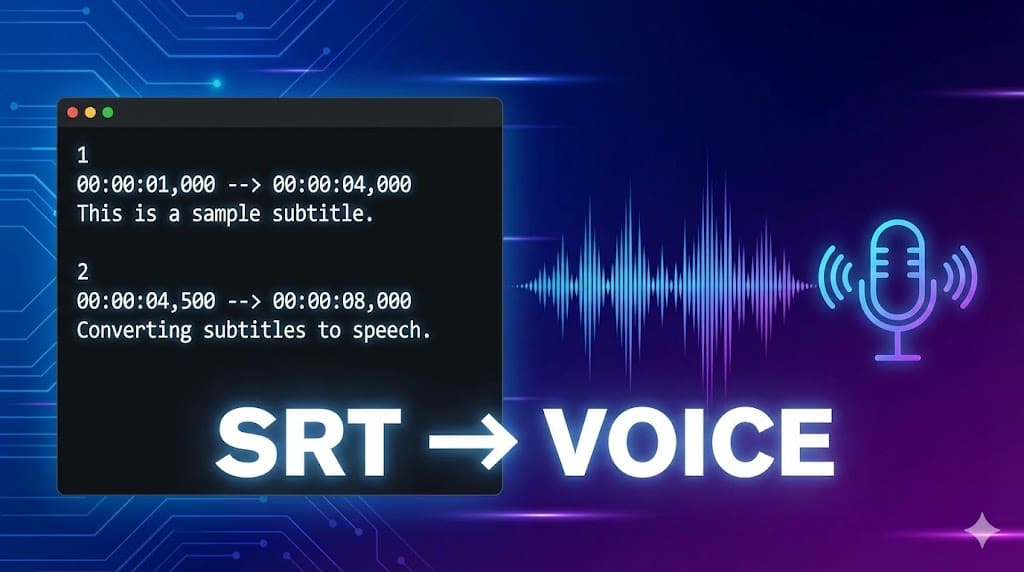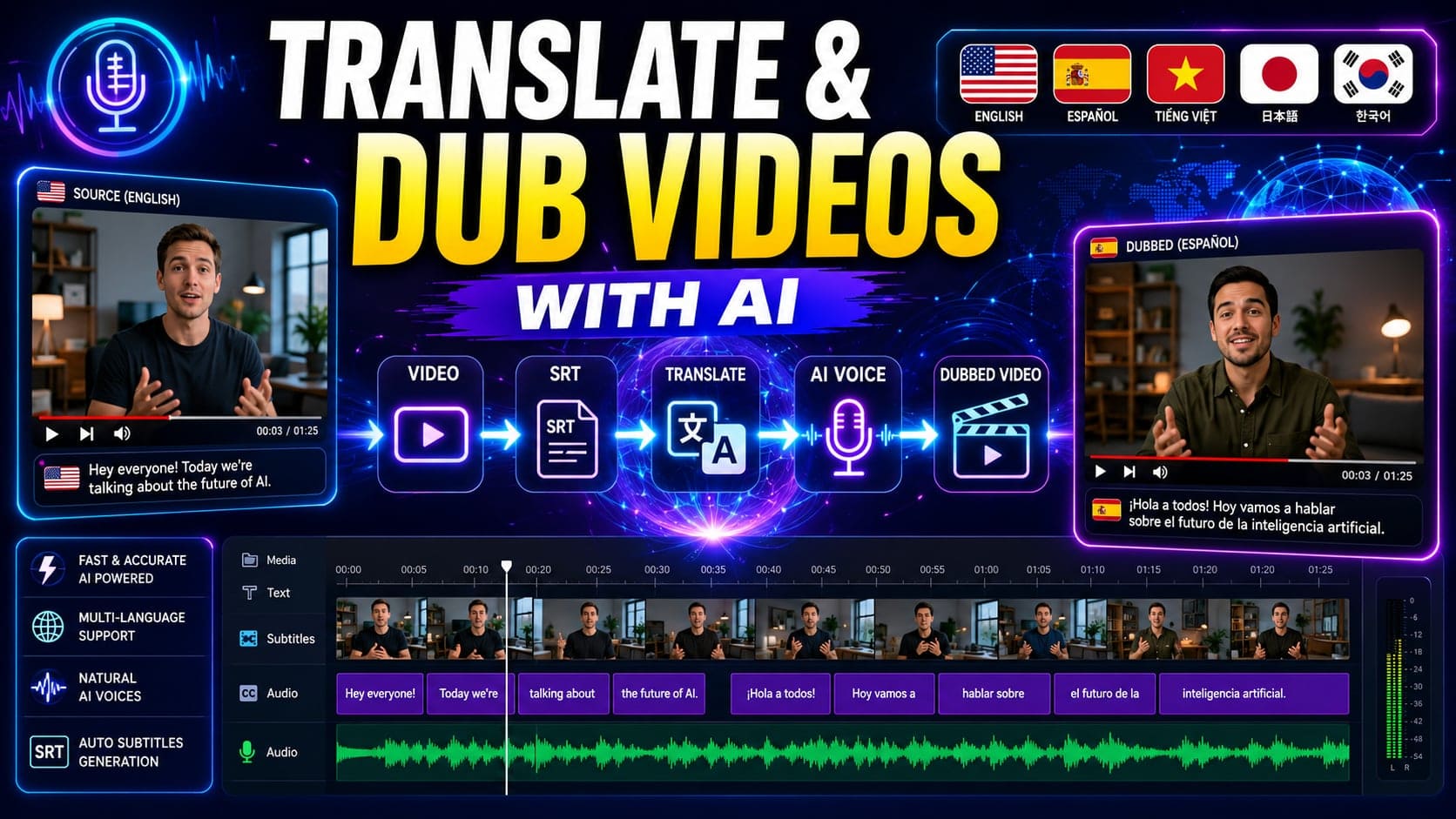
When I first started building an SRT-to-Audio feature, I thought the process would be straightforward:
- Read an SRT file
- Send text to a Text-to-Speech API
- Merge the generated audio files
- Export the final MP3
Sounds simple, right?
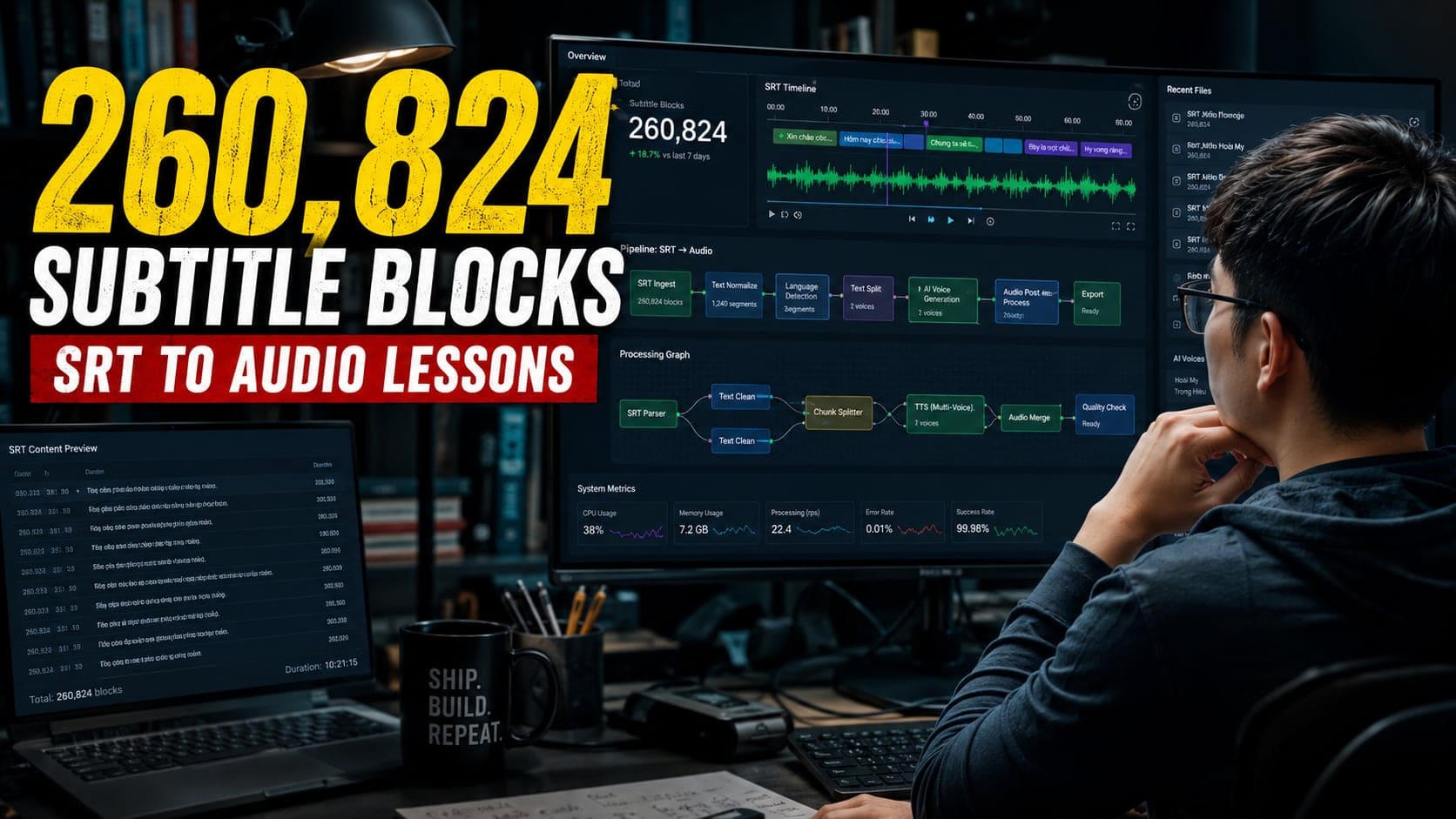
After processing more than 260,824 subtitle blocks over the past 7.5 months, I learned that converting subtitles into audio is much more complicated than simply calling a TTS API.
In this article, I'd like to share some of the biggest lessons and technical challenges I encountered while building a production-ready SRT-to-Audio and SRT-to-Speech platform.
1. SRT File Normalization Was Much Harder Than Expected
The first challenge wasn't AI voices.
It was the subtitle files themselves.
Many users uploaded SRT files that looked perfectly normal but contained hidden issues:
- Invalid UTF-8 encoding
- Corrupted special characters
- Exported from incompatible subtitle editors
- Formatting inconsistencies
A valid SRT file looks like this:
However, real-world files often contain problems like:
or:
with empty subtitle content.
To solve this, I had to build normalization and validation steps before the conversion process could even begin.
In some situations, users couldn't upload their files at all. As a fallback, I allowed them to paste raw subtitle content directly, which the platform then reconstructed into a valid SRT structure.
2. Poor Subtitle Quality Directly Affects Speech Quality
One of the most surprising lessons was that many subtitle files were never designed to be read aloud.
For example:
When displayed as subtitles, this looks fine.
When converted into speech, the result sounds unnatural:
"Today we are going... to learn about..."
Many subtitle files contain:
- Broken sentences
- Missing punctuation
- Incorrect line breaks
- Incomplete phrases
Even the best AI voice cannot completely fix poorly structured subtitle content.
This is one of the main reasons why some SRT-to-Speech outputs sound unnatural despite using premium voice models.
3. Choosing the Right Voice Provider Is a Trade-Off
Once subtitle files were cleaned and validated, the next challenge became voice quality.
At first, I experimented with multiple providers.
Some were:
- Very affordable but robotic
- Extremely natural but expensive
- Fast but limited in language support
- High quality but slow to process
Today the platform supports multiple providers, including:
Each provider has its own strengths and weaknesses.
Rather than forcing users into a single option, I wanted them to compare:
- Voice quality
- Processing speed
- Pricing
- Language support
and choose the best balance for their needs.
4. Performance Becomes a Serious Engineering Problem
Many people assume SRT-to-Audio works like this:
In reality, the workflow is much more complicated:
A subtitle file may contain:
- 200 blocks
- 500 blocks
- 1000+ blocks
Generating speech sequentially would take far too long.
The obvious solution is parallel processing.
However, that introduces new challenges:
- API rate limits
- Free-tier restrictions
- Provider throttling
- Network failures
- Timeouts
Today, a subtitle file representing 1–2 hours of spoken content can often be processed in just 3–7 minutes on my platform.
Getting there required significant optimization across the entire pipeline.
5. One Failed Segment Can Break Everything
This turned out to be one of the hardest problems.
Imagine a subtitle file with 500 subtitle blocks.
499 blocks succeed.
1 block fails.
What should happen next?
Should the system:
- Stop everything?
- Retry forever?
- Skip the failed block?
- Switch providers?
There is no perfect answer.
I had to implement:
- Retry mechanisms
- Timeout policies
- Fallback strategies
- Detailed logging
- Failure recovery workflows
to ensure users receive results quickly without waiting indefinitely.
Finding the right balance between reliability and speed was much harder than expected.
Final Thoughts
After processing more than 260,824 subtitle blocks, the biggest lesson I learned is this:
SRT-to-Audio is not simply about calling a Text-to-Speech API.
It requires solving problems related to:
- Data normalization
- Subtitle quality
- Voice selection
- Performance optimization
- Error handling
- Infrastructure reliability
Behind every audio file generated in a few minutes lies a surprisingly complex workflow.
If you're building an SRT-to-Speech system, or simply looking for a reliable SRT-to-Audio solution, remember that the quality of the final output depends not only on the AI voice itself, but also on everything happening behind the scenes.