What Is TTS Free?
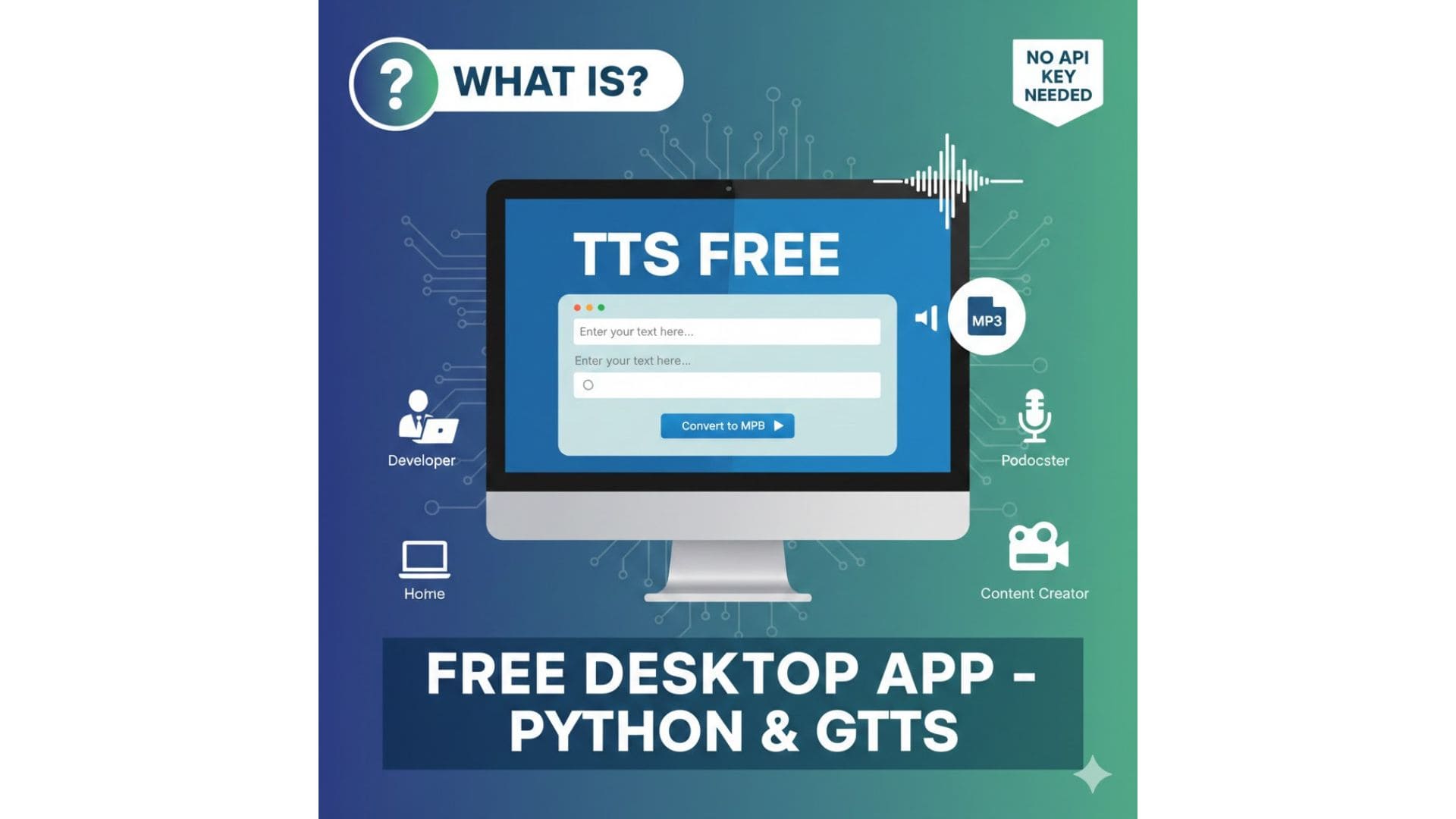
TTS Free stands for Text to Speech Free, a solution that allows you to convert text into audio without paying for APIs or subscriptions. In this article, I introduce a free desktop text-to-speech app built with Python that uses gTTS (Google Text-to-Speech).
This project is designed for personal use, learning purposes, and content creators who need a free way to generate MP3 files from text.
If you want to see how this app works step by step, I’ve uploaded a full tutorial video on YouTube here:
Key Features of This Free TTS App
- Convert text to MP3 for free
- Uses gTTS (Google Text-to-Speech)
- Desktop application built with PyQt6
- Automatically splits long text into chunks (~2,000 characters)
- Supports up to ~60,000 characters per hour (IP-based limit)
- No API key required
- Optional MP3 merging feature
- Can be built into a Windows executable file
How Does This TTS Free App Work?
The app splits your input text into smaller chunks and processes them sequentially using gTTS. Each chunk is converted into an MP3 file. If needed, multiple audio files can be merged into a single long audio output.
This approach ensures stability and helps stay within the gTTS character limits.
How to Run the Free TTS App
Requirements:
- Python installed on your machine
- Internet connection for gTTS
Build a Windows EXE File
You can build the app into a standalone .exe file using PyInstaller. Detailed instructions are available in the project’s README file, allowing you to run the app without installing Python.
Limitations You Should Know
- gTTS is not an official Google API
- The app is limited to around 60,000 characters per hour (IP-based)
- Not suitable for large-scale commercial usage
Who Should Use This Free TTS Tool?
- Python learners
- Content creators looking for free TTS
- Developers testing text-to-speech workflows
- Personal and educational users