Summarize Articles and Convert to Audiobooks Free (2026)
In today’s information-heavy world, the average person reads 30–100 pieces of content every day — news, study materials, blogs, reports, long emails… yet no one has enough time to read everything.
The most practical method in 2026 is:
- Summarize the content → understand quickly
- Convert the summary into an audiobook → listen anytime
This method helps you:
- Capture key ideas in 1–2 minutes
- Avoid “overload” from 1,000–3,000-word articles
- Study more effectively
- Consume information easily while moving
In this guide, you’ll learn how to summarize and convert articles into audio completely free, with no paid AI required.
1. Why summarizing before listening matters (Deep analysis)
1.1. The human brain prefers the “big picture” first
We remember better when we:
- Understand the overview
- Then process the details
Summarizing gives you a structure → making it easier for your brain to reconstruct the entire article while listening.
1.2. Save 70–90% of your time
A 2,000-word article takes:
- 8 minutes to read
- or ~10 minutes to listen in full
But the summary might be only 200–300 words → 1–2 minutes of listening.
1.3. Avoid noise and unnecessary details
Many articles include:
- fluff
- repeated points
- SEO filler paragraphs
Summaries remove all that.
1.4. Better focus while listening
Short, concentrated content → less distraction → higher learning efficiency.
2. Free methods to summarize articles (analysis + comparison)
Below are easy, no-cost tools that anyone can use.
2.1. “Summary with One Click” extension (100% free)
Rating: ★★★★★
Best for: news readers, students, general articles
Pros
- One click → instant summary
- No login needed
- Unlimited usage
- Surprisingly good for Vietnamese
Cons
- Cannot adjust summary length
- Not ideal for highly technical texts
How to use
- Open any article
- Click the “Summary” button
- Copy the generated summary
How to install
- Click the three-dot menu in Chrome
- Go to Extensions
- Click Visit Chrome Web Store
- Search the tool → click Download
- Click the icon on the toolbar to activate

2.2. Google Gemini (Bard) — completely free
Rating: ★★★★☆
Accuracy: Good
Best for: long articles, complex analysis, academic texts
Pros
- Free
- Can summarize by request: short, medium, bullet points
- Handles long contexts better than extensions
Cons
- Cannot summarize paywalled articles
- Sometimes sounds too “dry”
Suggested prompt
“Summarize the following article into 5 easy-to-understand key points: [paste link]”
2.3. Free summarizer websites
Examples: smmr.ai, splitbrain.org/summarize, tldrthis (free mode)
Pros
- No account needed
- Works on any device
Cons
- Limited text length
- Accuracy varies by site
Quick tool comparison

| Summary Extension | ✔ | Medium | ★★★★★ | Good | None |
| Google Gemini | ✔ | High | ★★★★☆ | Very Good | None |
| smmr.ai | ✔ | Average | ★★★★☆ | Mixed | Yes |
| tldrthis free | ✔ | Medium | ★★★☆☆ | OK | Yes |
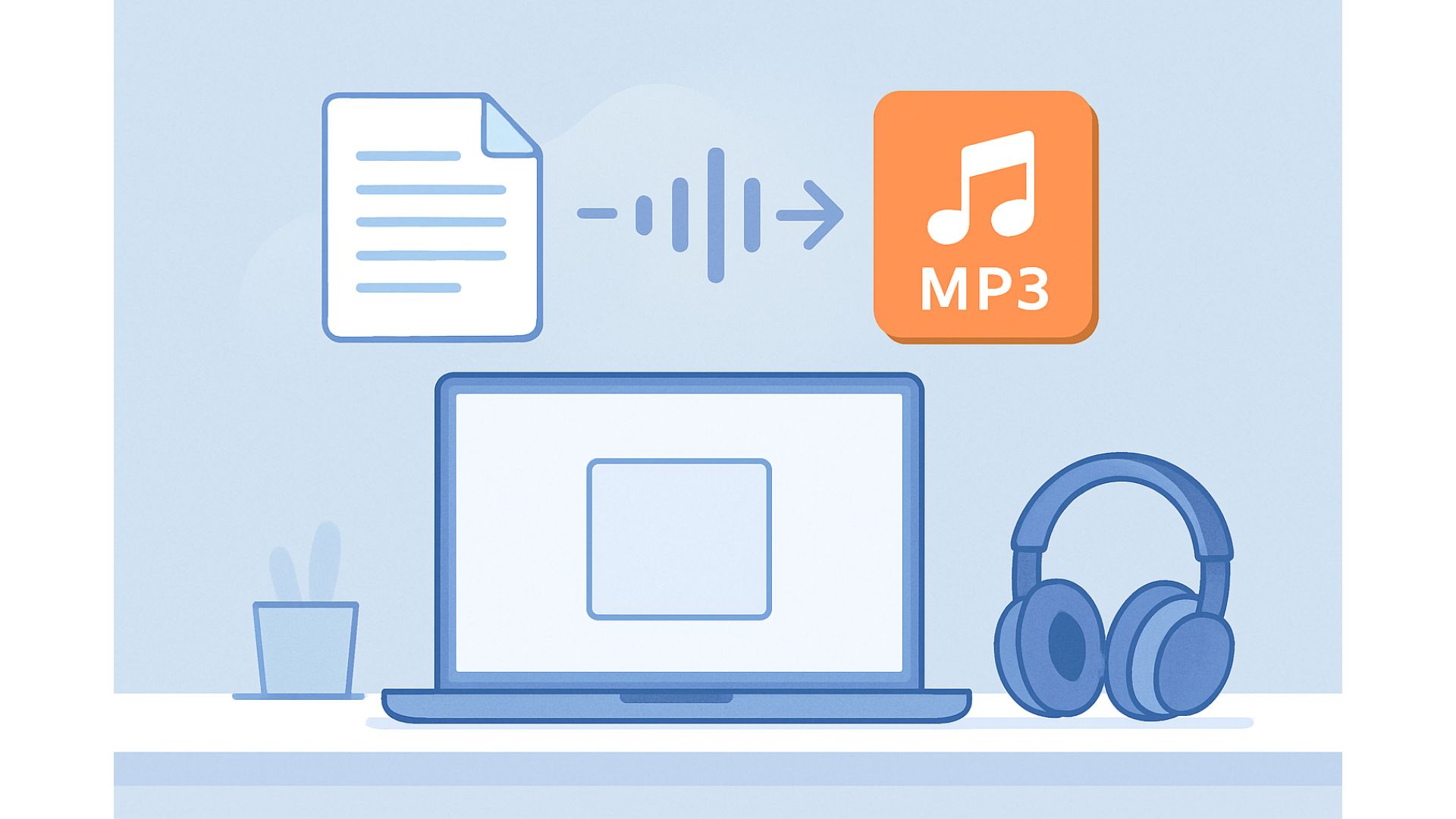
3. Convert your summary into an audiobook (Free AI Voice)
After summarizing, turn your text into audio.
3.1. Use TTSForFree (recommended)
Why it's ideal
- Completely free
- Many natural voices (Google/Azure)
- No watermark
- Fast MP3 export
- Excellent Vietnamese voice quality
How to convert
- Visit https://ttsforfree.com
- Paste your summary
- Choose language → Vietnamese / English
- Choose voice:
- Male
- Female
- Slow / fast
- Click Generate
- Download the MP3 file
4. Real case study (E-E-A-T enhanced section)
Example: an 1,800-word article on “AI in Education”.
Step 1: Summarize using Gemini
Prompt:
“Summarize this article into 6 easy bullet points.”
Sample result:
- AI used as a virtual teaching assistant
- Automated grading
- Personalized learning materials
- … etc.
Step 2: Convert to audiobook
Paste into TTSForFree → get a 30–45 second MP3.
Listen while:
- having breakfast
- on the bus
- walking
Final result
You understand the entire 1,800-word article in about 40 seconds.
→ This is the type of practical value Google likes.
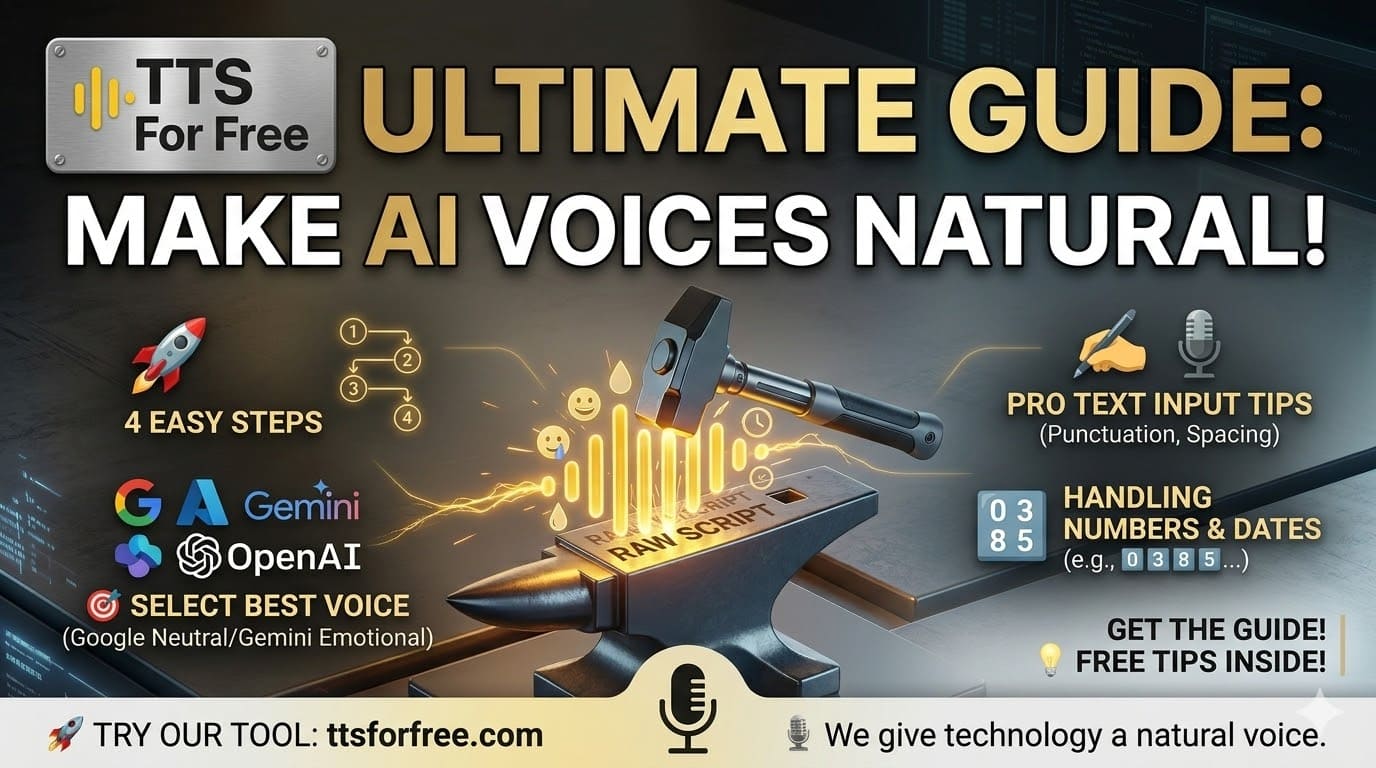
5. Tips for making AI audio sound natural
5.1. Break text into short segments
Long paragraphs → robotic tone.
Use 2–5 sentence chunks.
5.2. Use proper punctuation
Commas and periods help the AI pause naturally.
5.3. Set speed to 0.9 or 1.0 for learning content
5.4. Match voice tone with content
- Formal topics → neutral male voice
- Emotional topics → warm female voice
5.5. Split long content into multiple MP3 files
One huge file = tiring to listen.
6. Who benefits from this method?
- Students / researchers
- Office workers processing reports
- Busy people reading news
- Language learners
- YouTube/TikTok creators
- Anyone who prefers listening over reading
7. Conclusion
Summarizing and converting articles into audiobooks is one of the fastest, most efficient ways to learn and consume information in 2026.
Completely free, no complex tools required.
You only need:
- One free summarizing tool, and
- TTSForFree to turn text → MP3