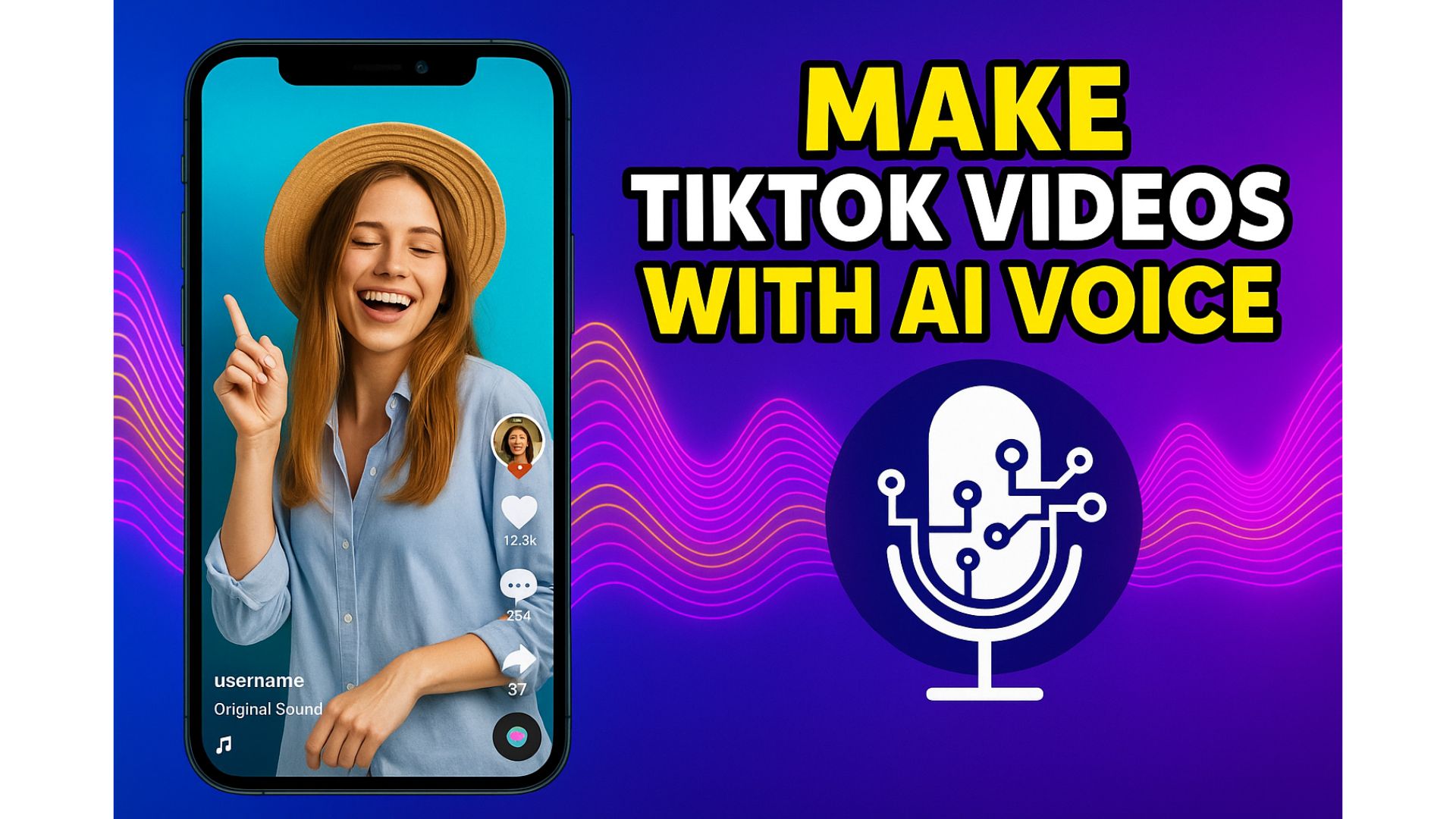
Do you want to create TikTok videos but feel shy about recording your own voice?
Or maybe your natural voice isn’t steady, you don’t want to speak on camera, or you simply want something fast and convenient?
Good news: AI voiceovers are now incredibly realistic — and they can completely replace real human voices in TikTok videos.
In this guide, you’ll learn:
- How to write a simple script for AI voice
- How to generate AI voice for free
- How to add voiceovers into your TikTok videos
- Tips to make your video more engaging and go viral
Even if you’re a complete beginner, you can do this in just a few minutes!
1. What Is an AI Voice? Why Is It So Popular on TikTok?
AI voice (Text-to-Speech) is a technology that converts written text into speech that sounds like a real human voice.
Modern AI models handle tone, rhythm, pauses, and pronunciation extremely well.
That’s why more and more TikTok creators use AI voice for:
- Product reviews
- Short stories or narrations
- Daily news updates
- Movie reviews and recaps
- Comedy skits
- Educational videos
→ AI voice makes content faster, easier, and more consistent.
2. What Do You Need to Make a TikTok Video With AI Voice?
You only need three things:
1️⃣ A short script (your video content)
2️⃣ An AI voice generator (free option available)
3️⃣ A video editing app (CapCut or TikTok Editor)
No microphone, no recording, no special equipment needed.
3. Step 1 – Write Your Script So the AI Voice Sounds Natural
Even the best AI voice will sound stiff if your text is written poorly.
Follow these simple rules:
✔ Keep sentences short (12–18 words each)
Bad:
“Today I want to share a very interesting experience after trying a product that I researched for many days.”
Better:
“Today I want to share a fun experience. I tried a product I’ve been looking at for days.”
✔ Add line breaks
Helps AI understand natural pauses.
✔ Avoid emojis or weird symbols
AI often reads them incorrectly.
✔ Write numbers in words when needed
2026 → “two thousand twenty-five”
4. Step 2 – Generate Free AI Voice (No Login Required)
You can use:
Supports 70+ languages and 1,800+ voices from Google & Azure.
How to use:
- Paste your script
- Choose a Male/Female voice
- Click Convert
- Download the MP3 file
🎧 Tips:
- “Google VI Female B” & “Azure VI Female 2” sound very natural
- For storytelling → use softer voices
- For news/drama → use deeper male voices
5. Step 3 – Add the Voice to Video Using CapCut (Beginner Friendly)
CapCut is the easiest app for syncing AI voice with your videos.
✔ Steps:
- Open CapCut → New Project
- Add your video clips or images
- Tap Audio → Sounds → From device
- Select the downloaded MP3
- Adjust timing and volume
- Export and upload to TikTok
🎧 Sound settings:
- Voice volume: 100%
- Background music: 5–12%
- Avoid loud music → TikTok may reduce reach
6. Step 4 – Make Text-Only Videos With AI Voice (Very Easy to Go Viral)
This style is extremely popular on TikTok:
- Fun facts
- Daily advice
- Life stories
- Movie recaps
- 60-second horror stories
How to make text-only videos:
- Open CapCut
- Add a background (dark, light, or gradient)
- Insert text line by line
- Add your AI voice
- Align the timing
Why this works:
When viewers stop to read, TikTok counts it as engagement → boosts reach.
7. Tips to Boost Your TikTok Views With AI Voice
✔ 1. Use a strong hook in the first 2 seconds
Examples:
- “This shocked me today…”
- “Did you know this?”
- “Top 3 things I wish I knew earlier.”
✔ 2. Adjust pacing
If the AI sounds too fast:
→ In CapCut, set speed to 0.9x or 0.95x
✔ 3. Keep videos short (12–18 seconds)
Short = more replays → higher view count.
✔ 4. Pick viral topics
- Relationships
- Personal growth
- Curiosity facts
- Product reviews
- Movie summaries
✔ 5. Post during peak hours
18:00–22:00 (local time)
8. Free Sample TikTok Scripts (You Can Copy and Use)
If you want me to create 10 English script samples for storytelling, motivational videos, YouTube Shorts, or movie reviews — I can write them.
9. Conclusion
Creating TikTok videos with AI voice has never been easier:
✔ No recording needed
✔ No need to show your face
✔ Sounds natural
✔ Fast to edit
✔ Works for many video styles
Just follow four simple steps:
- Write a simple script
- Generate AI voice on TTSForFree.com
- Add audio using CapCut
- Upload and optimize with a few tricks
You can start creating viral TikTok content today — even if you’re a complete beginner.