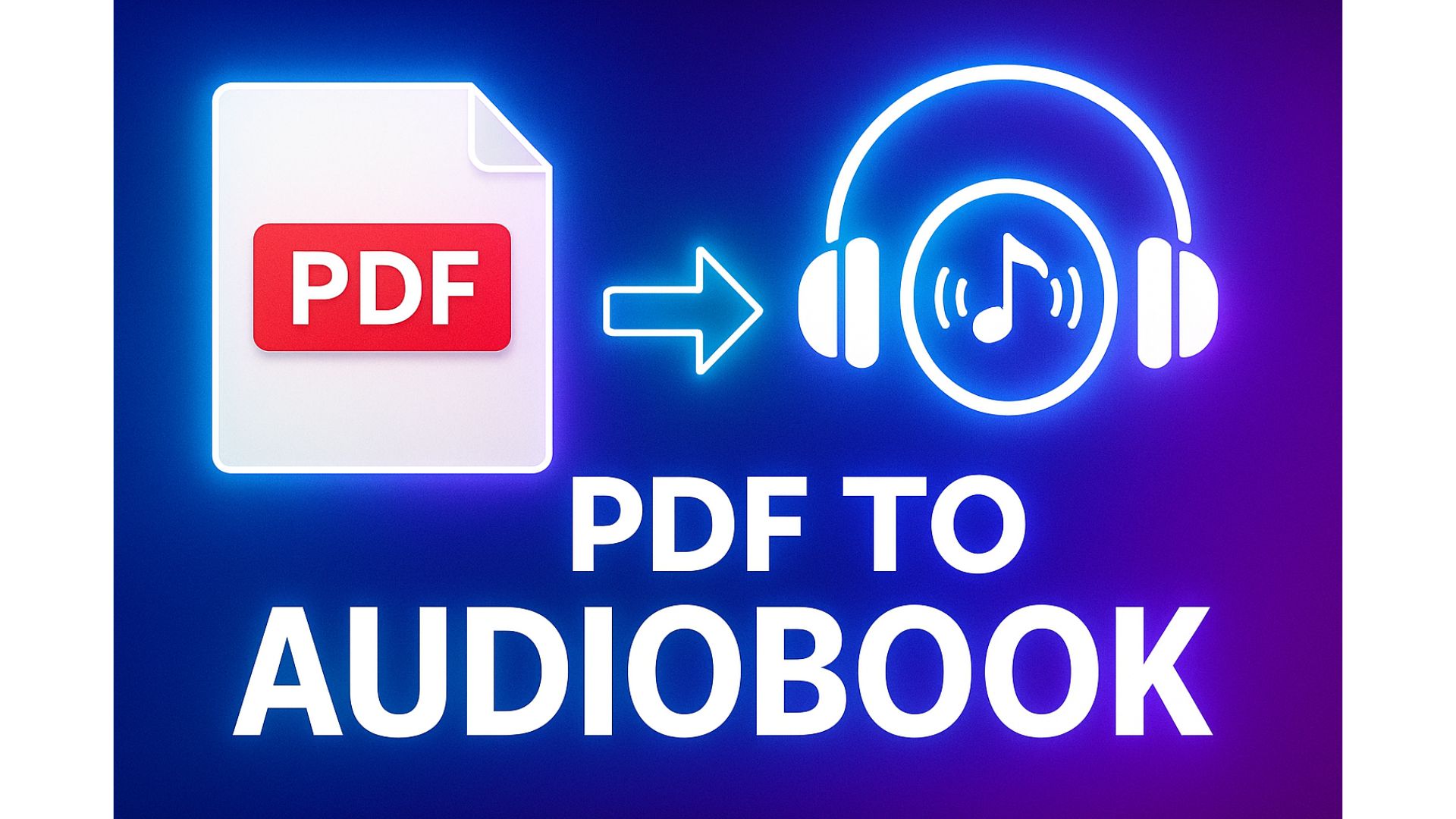
🇺🇸 How to Convert PDF to Audiobook for Free (No Software Needed) – Full Guide 2025
Do you have a long PDF but no time to read it?
Do you want to listen to books, documents, or study materials while driving, working out, or relaxing?
Good news: you can convert any PDF into an audiobook completely free, without installing any software, and in just a few minutes.
In this step-by-step guide, you’ll learn:
- How to extract text from a PDF
- How to turn that text into an AI voice
- How to download your audiobook as an MP3
- Tips to make the audio sound natural
Perfect for everyone — no technical skills required.
1. Why convert PDF into an audiobook?
Audiobooks are becoming more popular because:
- You can listen while doing other activities
- It helps with focus and memory
- No eye strain
- Saves time
- You can learn faster by listening at 1.25x or 1.5x speed
For long PDFs (50–300 pages), audiobooks are the best way to consume the content.
2. What you need (only 2 things)
You only need:
1️⃣ A PDF file (book, study material, article, reports, etc.)
2️⃣ A free text-to-speech AI tool
👉 TTSForFree.com
No apps, no downloads, no complicated tools.
3. Step 1 – Extract text from the PDF (free & easy)
You can use one of these three methods:
✔ The quickest method: Google Docs (100% free)
- Open Google Drive
- Upload your PDF
- Right-click → Open with → Google Docs
- Wait a few seconds → your PDF will turn into editable text
👉 Advantages:
- Very accurate
- Keeps basic formatting
- No software required
✔ Other options: Smallpdf / iLovePDF (free)
You upload the PDF → select “Convert to Text”.
Sometimes formatting may be messy, but still usable.
✔ If your PDF is scanned (just images)
Use OCR tools:
- Google Drive OCR
- Online OCR services
- EasyOCR (best for Vietnamese)
After OCR, you’ll have text ready for conversion.
4. Step 2 – Convert the text into AI voice (MP3)
Once you have the text:
- Go to 👉 https://ttsforfree.com/en/
- Paste the extracted text
- Choose a voice (Male/Female)
- Click Convert
- Download your MP3 file
🎧 Tips for the best result:
- Soft female voices are great for stories
- Deep male voices work well for knowledge-based books
- Speed 1.0x or 0.95x sounds most natural
5. Step 3 – Long PDF? Split text into smaller parts
A full PDF (100–200 pages) usually has too much text for one conversion.
So you should:
- Split text into 2,000–5,000 characters per chunk
- Convert each chunk into MP3
- Optionally merge them later
TTSForFree processes text quickly and supports many natural voices.
6. Step 4 – Merge MP3 files (optional)
If you want a full audiobook file, use:
- Audio Joiner (online, free)
- CapCut
- iMovie
- Audacity (PC/Mac)
Steps:
- Upload all MP3 chunks
- Arrange them in order
- Click Merge
- Export as “MyBook-Audiobook.mp3”
7. Tips to make your audiobook sound more natural
✔ Use proper punctuation (periods, commas)
✔ Avoid emojis or special characters
✔ Add line breaks for long paragraphs
✔ Add chapter titles to help the AI pause correctly
✔ Adjust playback speed (0.95x or 1.1x) depending on preference
8. PDF formats that may cause issues — and how to fix them
❌ PDF scanned as images
✔ Use Google Drive OCR or EasyOCR first.
❌ PDF with tables or formulas
✔ Remove unnecessary parts before converting.
❌ Password-protected PDFs
✔ You must unlock them first (if legally allowed).
9. Final recap – PDF → Audiobook has never been easier
Just 2 simple steps:
- Extract the text from your PDF
- Convert the text into AI voice using TTSForFree
And you instantly get a personal audiobook to listen:
- While commuting
- At the gym
- Driving
- Cooking
- During breaks
- While studying
Completely free, fast, simple, and no software required.