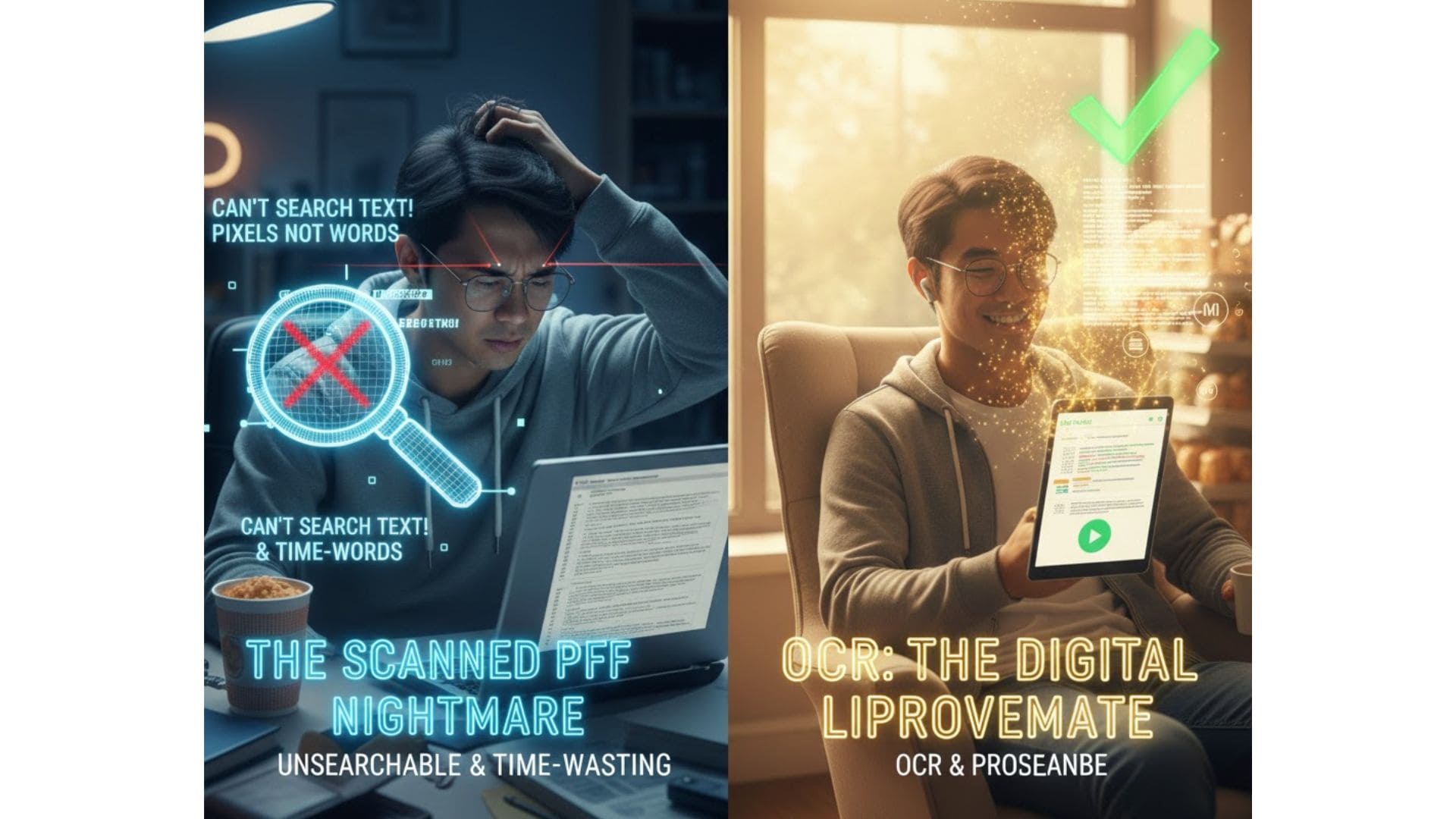
🧩 What Is OCR and Why Is It So Popular?
OCR (Optical Character Recognition) is the technology that allows machines to read text from images—scanned documents, receipts, screenshots, manga panels, photos of books, etc.
Simply put: OCR turns pixels into text.
It is widely used in:
- document digitization
- automated data entry
- AI chat & search
- PDF-to-text workflow
- invoice processing
- reading manga or scanned books
- screen capture text extraction
That’s why OCR remains a highly searched topic.
📚 Common OCR Solutions
There are many OCR tools today:
Open-source tools
- Tesseract
- EasyOCR
- PaddleOCR
Cloud/Commercial
- Google Cloud Vision
- Azure OCR
- AWS Textract
- OpenAI Vision OCR
Among them, Tesseract is the most popular thanks to being:
- free
- offline
- easy to deploy
- supported on JS/Python
- Docker-friendly
This article focuses deeply on real-world Tesseract usage, including performance and pitfalls.
🎯 Overview of Tesseract OCR
Tesseract is a Google-backed open-source OCR engine supporting 100+ languages across Linux, macOS, and Windows.
Advantages:
- free and open
- works offline
- fast on local CPU
- integrates with JS (tesseract.js)
- integrates with Python (pytesseract)
However, based on my experience deploying OCR processing for TTSForFree.com:
- excellent for English
- weak for Vietnamese
- server CPU overloads quickly without worker limits
- fails on manga, small fonts, or blurry images
- Docker images can become large
Let’s break down how Tesseract really works.
🔍 How Tesseract Works Internally (Deep Dive)
H3.1 Pre-processing
- grayscale conversion
- thresholding (Otsu)
- noise reduction
- deskewing
This stage heavily affects final accuracy.
H3.2 Layout Analysis
Tesseract detects:
- text blocks
- lines
- words
- characters
Bad layouts or skewed images → lower accuracy.
H3.3 LSTM OCR Engine
Tesseract 4+ uses LSTM models.
English datasets are large → high accuracy.
Vietnamese datasets are limited → diacritic errors, character confusion.
H3.4 Post-processing
- reconstructs words
- removes invalid characters
- optional dictionary correction

🌍 Tesseract Accuracy by Language (Real Tests)
Based on my benchmarks:
| Language | Clear Images | Low-quality/Small Text | Notes |
| English | 90–95% | ~80% | Strongest |
| Vietnamese | 85–90% (after threshold) | 60–70% | Diacritics often fail |
| Japanese/Chinese | 70–85% | <60% | Needs fine-tuned models |
| Others | 80–95% | varies | Generally OK |
🖼 Why Tesseract Struggles with Manga, Small Fonts & Vietnamese
H3.1 Manga fonts not in LSTM training data
H3.2 JPEG compression destroys text edges
H3.3 Small fonts (<14px) are almost unreadable
H3.4 Vietnamese diacritics are difficult for LSTM
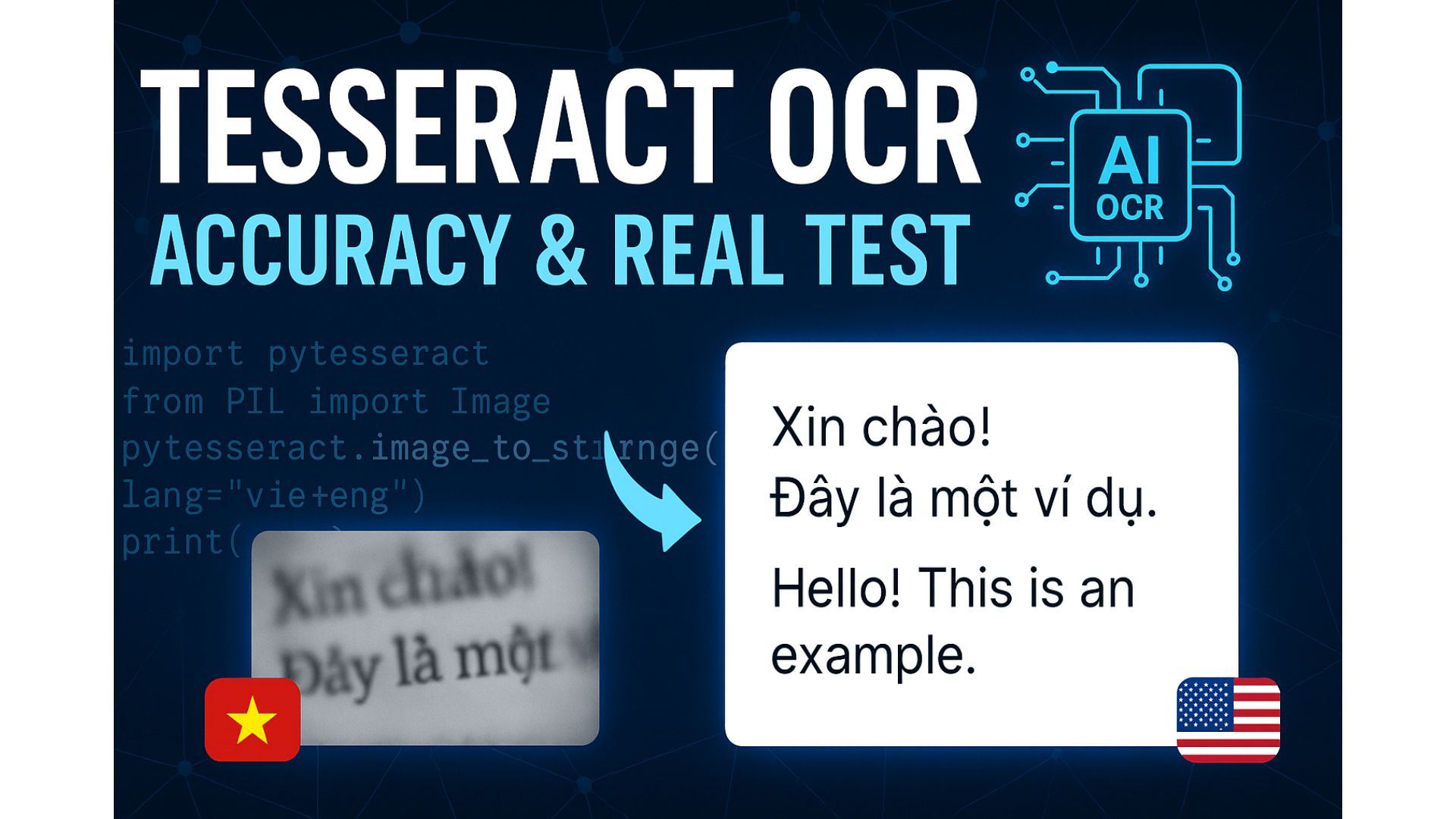
Examples from my tests:
⚙ Integration with JavaScript & Python
H3.1 Tesseract.js (JavaScript, React, Next.js)
Advantages:
- runs on client-side → very fast
- offloads CPU from server
- immune to API abuse
- easy to embed in UI
Drawbacks:
- slower than native
- poor Vietnamese accuracy
- WASM model size (15–30MB)
H3.2 Pytesseract (Python, Native)
Advantages:
- more stable
- integrates well with OpenCV
- ideal for server pipelines
- faster than tesseract.js
Drawbacks:
- unlimited API calls → CPU 100% instantly
- requires worker limits and queue system
🚀 Performance Testing (Real Benchmark)
Machine specs:
- 16GB RAM
- 16 cores
Results:
- single-image OCR → near-realtime
- client-side (JS) → extremely fast
- server-side (Python) without concurrency limit → CPU meltdown in seconds
GPU note:
Tesseract cannot use GPU.
For GPU OCR → PaddleOCR or custom models.
🐳 Docker Image Size
My production Docker worker installing only English + Vietnamese:
👉 ~700–900MB
Why so large?
- traineddata files (20–50MB each)
- leptonica libraries
- TIFF/JPEG/PNG libs
- Ubuntu base image
Installing all languages can exceed 3GB.
🧠 Tips to Improve Vietnamese OCR Accuracy
H3.1 Apply grayscale + threshold
Improves clarity significantly.
H3.2 Upscale image 2× or 3×
LSTM performs much better with higher resolution.
H3.3 Use correct PSM mode
Examples:
H3.4 Use character whitelist
Good for invoices/numbers.
H3.5 Pre-process with OpenCV
Noise reduction boosts accuracy by 5–20%.
🏗 Recommended Production Architecture (Event-Driven)
Benefits:
- protects CPU
- scales horizontally
- easy retries
- stable even with large traffic
This is the architecture I use for TTSForFree’s OCR pipeline.
⭐ Tesseract OCR Evaluation
Strengths
- free & open-source
- offline
- fast
- great for English
- easy Python/JS integration
Weaknesses
- weak Vietnamese accuracy
- no GPU support
- heavy Docker images
- CPU-intensive under load
- bad at manga/small fonts
Best for
- simple OCR tasks
- clear text images
- small/medium projects
- offline tools
Not suitable for
- mission-critical accuracy
- Vietnamese-heavy workloads
- manga/scanned books
- large-scale production