PDF Scan vs PDF Text: When Do You Need OCR?
Not all PDF files are the same. Understanding the difference between a scanned PDF and a text-based PDF is critical if you want to search, copy, edit, or convert PDF to speech.
If you cannot select text inside a PDF, you are likely dealing with a scanned PDF.
Let’s break this down clearly.
What Is a Text-Based PDF?
A text-based PDF contains real digital text.
How to Identify a Text-Based PDF
You can:
- Highlight text with your cursor
- Copy and paste content
- Use Ctrl + F to search
- Select specific words
If these actions work, your PDF is text-based.
Advantages of Text-Based PDFs
- Easy to search
- Easy to extract data
- Faster to convert to audio
- No OCR required
If your file is text-based, you can convert it directly here:
👉 https://ttsforfree.com/en/pdf-to-speech/
What Is a Scanned PDF?
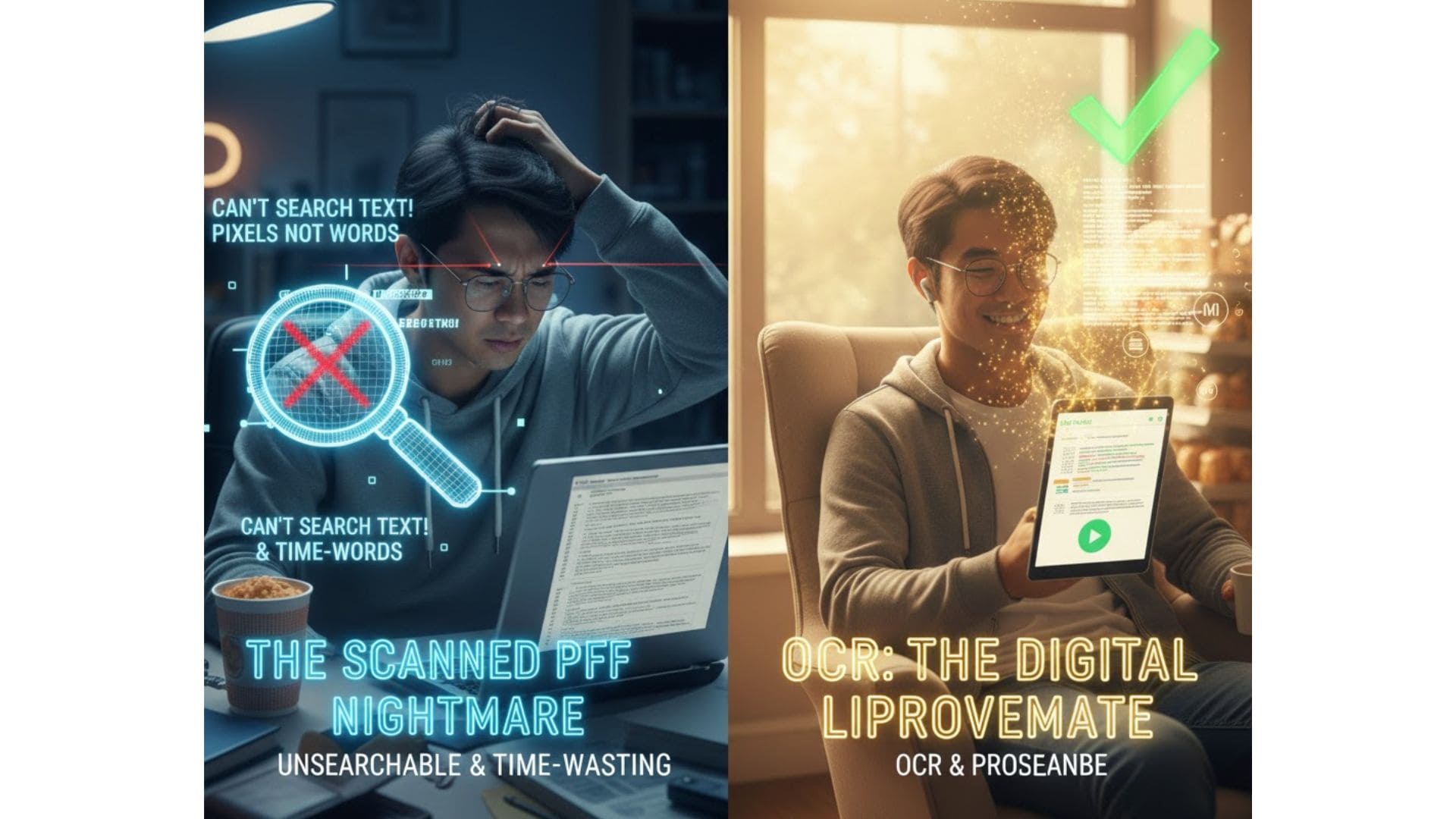
A scanned PDF is an image of a document.
To humans, it looks like text.
To computers, it is just pixels.
How to Identify a Scanned PDF
You cannot:
- Highlight text
- Search for keywords
- Copy sentences
The file behaves like a photo.
Why Scanned PDFs Are Problematic
- You cannot extract information quickly
- Search does not work
- Converting to speech requires extra processing
What Is OCR and How Does It Work?
OCR stands for Optical Character Recognition.
What OCR Does
OCR analyzes the image of text and converts it into machine-readable characters.
It transforms:
Image → Recognized text → Editable/searchable content
When OCR Is Required
You need OCR if:
- The PDF was scanned from paper
- Text cannot be selected
- You want to convert scanned PDF to audio
- You need to extract information
If your PDF is scanned, process it first here:
👉 https://ttsforfree.com/en/ocr/
After OCR, you can convert the file to speech.
Converting Scanned PDF to Speech: Correct Workflow
Step 1: Check File Type
Test if you can highlight text.
Step 2: Run OCR (if needed)
Use OCR to extract readable text.
Step 3: Convert PDF to Speech
Upload the processed file here:
👉 https://ttsforfree.com/en/pdf-to-speech/
Step 4: Listen Online or Generate Audio
If you prefer listening directly in your browser without downloading, use:
👉 https://ttsforfree.com/tts-free/
You can even generate long 3–6 hour listening sessions for productivity.
Common OCR Problems to Watch For
OCR is powerful but not perfect.
Recognition Errors
Numbers and special characters may be misread.
Formatting Issues
Tables and columns may lose structure.
Language Detection Errors
Mixed-language documents can reduce accuracy.
Always review important documents after OCR.
PDF Scan vs PDF Text: Side-by-Side Comparison
Searchability
Text PDF: Fully searchable
Scanned PDF: Not searchable without OCR
Copy and Paste
Text PDF: Works instantly
Scanned PDF: Requires OCR
Conversion to Audio
Text PDF: Direct conversion
Scanned PDF: OCR required first
Processing Speed
Text PDF: Faster
Scanned PDF: Slower due to OCR step
When Do You Actually Need OCR?
You need OCR if:
- You are working with old archives
- You scan contracts or invoices
- You digitize paper documents
- You want to reuse printed content
If your PDF is already digital text, skip OCR and convert directly.
Final Thoughts
Knowing whether your PDF is scanned or text-based saves time and prevents frustration.
Text-based PDF → Convert directly to speech.
Scanned PDF → Run OCR first, then convert.
The right workflow ensures:
- Better accuracy
- Faster processing
- Smoother PDF to speech experience