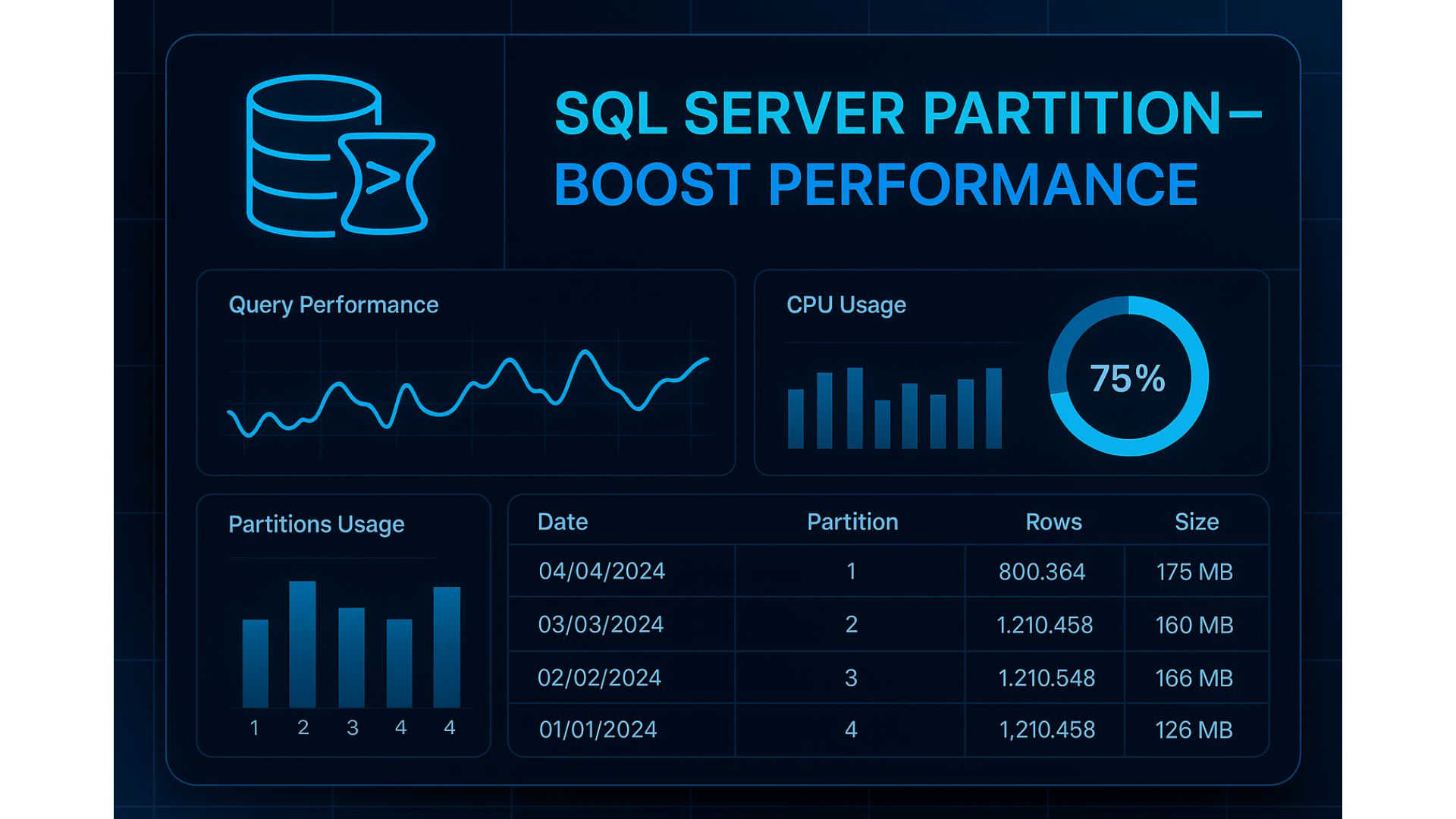
1️⃣ What is a Partitioned Table?
It’s a technique to split a large table into multiple segments (partitions) based on a column value.
- From the user perspective → still a single table
- From the database engine → stored in separate partitions internally
→ Better performance because queries only scan the required partition
2️⃣ Why do we need Partitioning?
Readable bullet points:
- Log tables grow → full scans become slow → read only the needed daily/monthly partition
- Deleting old data is slow → just SWITCH/DROP the old partition
- Indexes become too large → partitioned indexes allow rebuilding per partition
- Backup/Restore takes long → focus only on new partitions
3️⃣ When should you use Partitioning?
✅ Table has >10–20 million rows
✅ Has a natural time-based column (e.g., CreatedDate)
✅ Most queries filter by range: day, month
⛔ Avoid if:
- The table is small
- Queries rarely filter by the partitioning column
4️⃣ How Partitioning works in SQL Server
Three concepts:
- Partition Function => Defines boundaries (date-based ranges)
- Partition Scheme => Maps partitions to filegroups
- Partitioned Table => The actual table storing data across partitions
5️⃣ Real-world Example — Daily Partitioning
Step 1: Check whether the table is already partitioned
SELECT
t.name AS TableName, i.name AS IndexName, i.index_id,
ps.name AS PartitionScheme, pf.name AS PartitionFunction,
p.partition_number, p.rows
FROM sys.tables t
JOIN sys.indexes i ON t.object_id = i.object_id AND i.index_id <= 1 -- CI/heap
LEFT JOIN sys.partition_schemes ps ON i.data_space_id = ps.data_space_id
LEFT JOIN sys.partition_functions pf ON ps.function_id = pf.function_id
JOIN sys.partitions p ON p.object_id = t.object_id AND p.index_id = i.index_id
WHERE t.name = 'FlightRequestLog'
ORDER BY p.partition_number;

You’ll notice that PartitionScheme is NULL, meaning there is no partition scheme associated with this table yet.
Step 2: (Re)Create the Partition Function (RANGE RIGHT) if it does not exist:
=> Creating boundaries up to today is enough — the procedure will split for tomorrow automatically.
IF NOT EXISTS (SELECT 1 FROM sys.partition_functions WHERE name = 'PF_FlightRequestByDay')
BEGIN
DECLARE @d0 date = DATEADD(day, -8, CAST(GETDATE() AS date));
-- seed 30 boundary mỗi ngày từ d0+1 .. today
DECLARE @sql nvarchar(max) = N'CREATE PARTITION FUNCTION PF_FlightRequestByDay (date) AS RANGE RIGHT FOR VALUES (';
;WITH D AS (
SELECT DATEADD(day, 1, @d0) AS d
UNION ALL
SELECT DATEADD(day, 1, d) FROM D WHERE d < CAST(GETDATE() AS date)
)
SELECT @sql += STRING_AGG('''' + CONVERT(nvarchar(10), d, 23) + '''', ',') WITHIN GROUP (ORDER BY d)
FROM D OPTION (MAXRECURSION 0);
SET @sql += N');';
EXEC sp_executesql @sql;
END;
GO
Step 3: (Re)Create the Partition Scheme if it does not exist:
=> Later, you can map partitions to multiple filegroups to distribute I/O.
IF NOT EXISTS (SELECT 1 FROM sys.partition_schemes WHERE name = 'PS_FlightRequestByDay')
BEGIN
CREATE PARTITION SCHEME PS_FlightRequestByDay
AS PARTITION PF_FlightRequestByDay
ALL TO ([PRIMARY]); -- tạm thời đặt hết vào PRIMARY
END;
GO
Step 4: Add the PartitionDate column to be used as the partitioning key:
👉 It’s recommended to enforce NOT NULL on CreatedDate (or apply a default value) to prevent rows from falling into an unexpected partition.
IF COL_LENGTH('dbo.FlightRequestLog','PartitionDate') IS NULL
BEGIN
ALTER TABLE dbo.FlightRequestLog
ADD PartitionDate AS CAST(CreatedDate AS date) PERSISTED;
END
GO
Step 5: Move the clustered index to align with partitioning
(If the table is currently a heap or has a different clustered index, drop/rebuild the clustered index accordingly.)
IF EXISTS (SELECT 1 FROM sys.indexes WHERE object_id = OBJECT_ID('dbo.FlightRequestLog') AND name = 'CX_FlightRequestLog')
BEGIN
DROP INDEX CX_FlightRequestLog ON dbo.FlightRequestLog WITH (ONLINE = OFF);
END
Step 6: Create a clustered index using the combination of the partition key and the ID column.
CREATE UNIQUE CLUSTERED INDEX CX_FlightRequestLog
ON dbo.FlightRequestLog (PartitionDate, Id)
ON PS_FlightRequestByDay (PartitionDate);
GO
Step 7: If there are other indexes, recreate them as partitioned Non-Clustered Indexes
(aligned with the current Partition Function / Partition Scheme)
Previously, I had this index:
CREATE NONCLUSTERED INDEX [IX_FlightRequestLog_Date_Code] ON [dbo].[FlightRequestLog]
(
[CreatedDate] DESC,
[SystemCode] ASC
)WITH (PAD_INDEX = OFF, STATISTICS_NORECOMPUTE = OFF, SORT_IN_TEMPDB = OFF, DROP_EXISTING = OFF, ONLINE = OFF, ALLOW_ROW_LOCKS = ON, ALLOW_PAGE_LOCKS = ON, OPTIMIZE_FOR_SEQUENTIAL_KEY = OFF) ON [PRIMARY]
GO
Now we will drop and recreate it:
👉 PartitionDate must be included in the index key (not just placed ON PS(PartitionDate)) to ensure 100% alignment.
DROP INDEX IF EXISTS IX_FlightRequestLog_Date_Code ON dbo.FlightRequestLog;
CREATE NONCLUSTERED INDEX IX_FlightRequestLog_Date_Code
ON dbo.FlightRequestLog
(
PartitionDate ASC, -- bắt buộc có trong KEY
CreatedDate DESC,
SystemCode ASC
)
ON PS_FlightRequestByDay (PartitionDate);
Step 8: Create a staging table with the exact same clustered index structure as the main table
(The staging table is not partitioned, but the key and column order must be identical.)
The schema must be 100% identical:
- Column order
- Data types
- Nullability
- Computed columns (PERSISTED)
- Collation
- Compression settings
- SET options
- Then create the same clustered index on the staging table.
CREATE TABLE [dbo].[FlightRequestLog_Stage](
...
...
[PartitionDate] AS CAST([CreatedDate] AS DATE) PERSISTED
) ON [PRIMARY] TEXTIMAGE_ON [PRIMARY];
GO
Create the clustered index again exactly the same as the main table.
CREATE UNIQUE CLUSTERED INDEX CX_FlightRequestLog_Stage
ON dbo.FlightRequestLog_Stage (PartitionDate, Id);
GO
Now check this object — it should be non-NULL.
SELECT OBJECT_ID('dbo.FlightRequestLog_Stage') AS StageObjectId;

Step 10: Verification
- Check the boundaries after the sweep. In the previous step, we created partitions for the past 7 days plus today — a total of 8 days.
SELECT prv.boundary_id, CONVERT(date, prv.value) AS BoundaryDate
FROM sys.partition_functions pf
JOIN sys.partition_range_values prv ON pf.function_id = prv.function_id
WHERE pf.name = 'PF_FlightRequestByDay'
ORDER BY prv.boundary_id;

Number of rows per partition:
- (Just a test — so the data volume is still quite small 😄)
SELECT p.partition_number, SUM(p.rows) AS rows
FROM sys.partitions p
JOIN sys.tables t ON t.object_id = p.object_id
JOIN sys.indexes i ON i.object_id = p.object_id AND i.index_id = p.index_id
WHERE t.name = 'FlightRequestLog' AND i.index_id = 1
GROUP BY p.partition_number
ORDER BY p.partition_number;

- Here’s another query if you want to check the total number of partitions and the total row count:
SELECT i.index_id,
COUNT(DISTINCT p.partition_number) AS partitions,
SUM(p.rows) AS rows
FROM sys.indexes i
JOIN sys.objects o ON o.object_id=i.object_id AND o.name='FlightRequestLog'
JOIN sys.partitions p ON p.object_id=i.object_id AND p.index_id=i.index_id
WHERE i.index_id IN (0,1)
GROUP BY i.index_id;
Step 11: This step is critical:
Write a stored procedure to truncate the partition from N days ago, create the partition for the new day, apply the stage CHECK constraint, SWITCH the partition to the stage table, TRUNCATE the stage, and MERGE the old boundary.
SET ANSI_NULLS ON
GO
SET QUOTED_IDENTIFIER ON
GO
Create OR ALTER PROC [dbo].[usp_FlightRequestLog_Sweep]
@KeepDays int = 5
AS
BEGIN
SET NOCOUNT ON;
DECLARE @today date = CAST(GETDATE() AS date);
DECLARE @tomorrow date = DATEADD(day, 1, @today);
DECLARE @dropDay date = DATEADD(day, -(@KeepDays + 1), @today);
DECLARE @dayAfterDrop date = DATEADD(day, 1, @dropDay);
/* 1) Ensure there is a boundary for tomorrow (to receive new data) */
IF NOT EXISTS (
SELECT 1
FROM sys.partition_functions pf
JOIN sys.partition_range_values prv ON pf.function_id = prv.function_id
WHERE pf.name = 'PF_FlightRequestByDay'
AND CONVERT(date, prv.value) = @tomorrow
)
ALTER PARTITION FUNCTION PF_FlightRequestByDay()
SPLIT RANGE (@tomorrow);
/* 1b) Ensure there is a boundary for @dropDay + 1 (crucial for the SWITCH operation of @dropDay) */
IF NOT EXISTS (
SELECT 1
FROM sys.partition_functions pf
JOIN sys.partition_range_values prv ON pf.function_id = prv.function_id
WHERE pf.name = 'PF_FlightRequestByDay'
AND CONVERT(date, prv.value) = @dayAfterDrop
)
ALTER PARTITION FUNCTION PF_FlightRequestByDay()
SPLIT RANGE (@dayAfterDrop);
/* 2) SWITCH OUT partition @dropDay -> _Stage */
DECLARE @part int = $PARTITION.PF_FlightRequestByDay(@dropDay);
-- drop CHECK cũ, tạo CHECK mới theo khoảng [@dropDay, @dropDay+1)
IF EXISTS (SELECT 1 FROM sys.check_constraints WHERE name = 'CK_FlightRequestLog_Stage_Day')
ALTER TABLE dbo.FlightRequestLog_Stage DROP CONSTRAINT CK_FlightRequestLog_Stage_Day;
DECLARE @d0 nvarchar(10) = CONVERT(nvarchar(10), @dropDay, 23); -- 'YYYY-MM-DD'
DECLARE @d1 nvarchar(10) = CONVERT(nvarchar(10), @dayAfterDrop, 23); -- 'YYYY-MM-DD'
DECLARE @sql nvarchar(max) =
N'ALTER TABLE dbo.FlightRequestLog_Stage WITH CHECK '+
N'ADD CONSTRAINT CK_FlightRequestLog_Stage_Day '+
N'CHECK (PartitionDate >= '''+@d0+N''' AND PartitionDate < '''+@d1+N''');';
EXEC sp_executesql @sql;
-- SWITCH (nguồn/đích phải có index & schema align)
ALTER TABLE dbo.FlightRequestLog
SWITCH PARTITION @part
TO dbo.FlightRequestLog_Stage;
/* 3) Fast delete + merge the old boundary */
TRUNCATE TABLE dbo.FlightRequestLog_Stage;
ALTER PARTITION FUNCTION PF_FlightRequestByDay()
MERGE RANGE (@dropDay);
END
You can simply run this command:
EXEC dbo.usp_FlightRequestLog_Sweep @KeepDays = 5;
Step 12:
You think we’re done? Not yet! 😄
We don’t want to manually run this every single day, right?
So let's create a daily SQL Agent Job — let the server do the work automatically!

Step 13: Validate performance and monitor regularly
After partitioning is enabled, you must verify that SQL Server is applying Partition Elimination → the query should only scan the required partition.
You can check this by running:
SET STATISTICS IO ON;
SELECT COUNT(*)
FROM dbo.FlightRequestLog
WHERE PartitionDate = CAST(GETDATE() AS date);
SET STATISTICS IO OFF;
Expected results:
✅ Logical reads drop significantly
❌ No full table scans
Step 14: Long-term operational checklist
- Always keep an empty partition on the right? => Daily Split job handles tomorrow ✅
- Staging table always empty before SWITCH? => TRUNCATE before each run ✅
- Optimal statistics? => Update statistics weekly
- Optimized I/O on filegroups? => Consider monthly/quarterly FG distribution
- Safe transaction log growth? => Monitor SWITCH/MERGE operations
- Backup/restore of old partitions? => Archive old filegroups to save storage
That’s it — you’re good to go! ✅
Good luck with your implementation! 🚀
✅ Final Summary: The “Real-World Partitioning Standard”
Correct partitioning means:
🔹 Correct partition key (date)
🔹 Correct CI/NCI structure (aligned indexes)
🔹 Correct operational order:
SPLIT → SWITCH → TRUNCATE → MERGE
🔹 Proper automation (SQL Agent Job)
🔹 Continuous monitoring & validation
When all are done properly:
✅ System stays lean and fast
✅ Old data cleaned like deleting a “file” (TRUNCATE partition)
✅ Data growth is no longer a performance issue 🚀