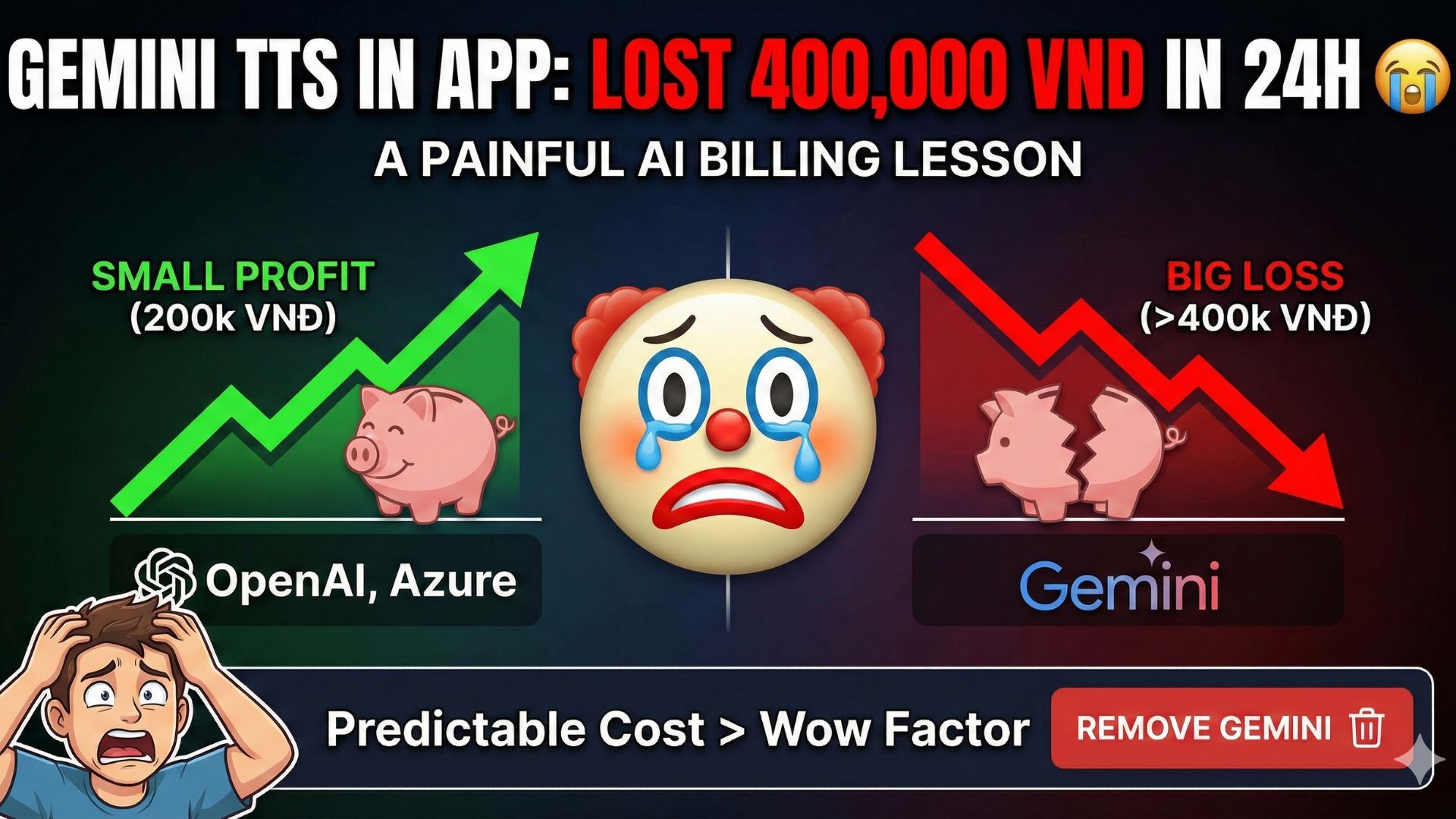
Added Gemini TTS to My App and Lost Money in 24 Hours 🤡
(A small but painful lesson about AI billing)
Before this happened, my small TTS app was doing fine.
Not many users, but a few people were paying.
Nothing impressive, but profitable.
Then I thought:
“What if I add Gemini TTS to make it more premium?”
And that was when everything went wrong.
Background
My app is a simple web-based text-to-speech service:
- reading documents
- reading study materials
- users paste text → get audio
Initially, I was using:
- OpenAI TTS
- Azure TTS
- Google Cloud TTS
They all share the same characteristics:
- pricing based on character count
- easy to estimate costs
- retries or errors are not financially dangerous
The app was simple, but it worked.
A few customers, no losses.
Then Gemini TTS Came In
To be fair, Gemini TTS is very good:
- natural voice
- smart pauses
- good English and Vietnamese pronunciation
The demo sounded amazing.
So I pushed Gemini TTS into production.
What Happened?
After just one day:
- Revenue: ~200,000 VND
- Gemini TTS cost: over 400,000 VND
👉 Instant loss.
The most frustrating part:
- user count didn’t increase
- request volume wasn’t high
- dashboard looked normal
But billing told a very different story 💀
The Problem Isn’t That Gemini Is Expensive
The Problem Is That You Can’t Estimate the Cost
After digging into it, I realized why.
1. Gemini TTS Does NOT Charge by Characters
It charges based on:
- audio duration
- pauses / silence
- prosody (intonation, emphasis)
- retries / reconnections
👉 Slow reading + pauses = much longer audio
👉 Longer audio = much higher cost
2. Dashboard ≠ Billing
The dashboard mostly shows:
- request count
- input tokens
But the real cost driver is:
- audio output tokens
And that part is not clearly visible.
3. Retry Is Not Always Labeled as “Retry”
Cases like:
- stream failure
- connection drop
- re-rendered audio
👉 Billing still counts them
👉 Dashboard doesn’t clearly say “this was retried”
Quick Comparison
OpenAI / Azure / Google Cloud TTS
- priced by characters
- 1,000 characters ≈ predictable cost
- easy to estimate
- very suitable for SaaS
Gemini TTS
- priced by audio duration
- audio length is unpredictable
- silence and pauses cost money
- very hard to control spending
👉 Amazing for demos
👉 Dangerous for production
The Irony
Before Gemini:
- simple app
- few features
- still profitable
After Gemini:
- no new users yet
- already losing money
It really felt like:
“Adding a premium feature and accidentally shooting myself in the foot.” 😅
Lessons Learned
After this experience, here’s what I learned:
- A powerful tool doesn’t always mean the right tool
- For small SaaS products, predictable cost > wow factor
- Billing model matters as much as model quality
- New features don’t automatically create new revenue
Conclusion
I lost more than 400k VND, but luckily:
- user base was still small
- the issue was caught early
- the app hadn’t scaled yet
If this happened with higher traffic,
it could easily have burned millions in a single day.
Now I’ve:
- removed Gemini TTS from production
- switched back to OpenAI / Azure / Google
- limited character length per request
- stabilized infrastructure costs
Gemini TTS is impressive,
but it truly is a double-edged sword.
And for my app, I chose to put that sword away.