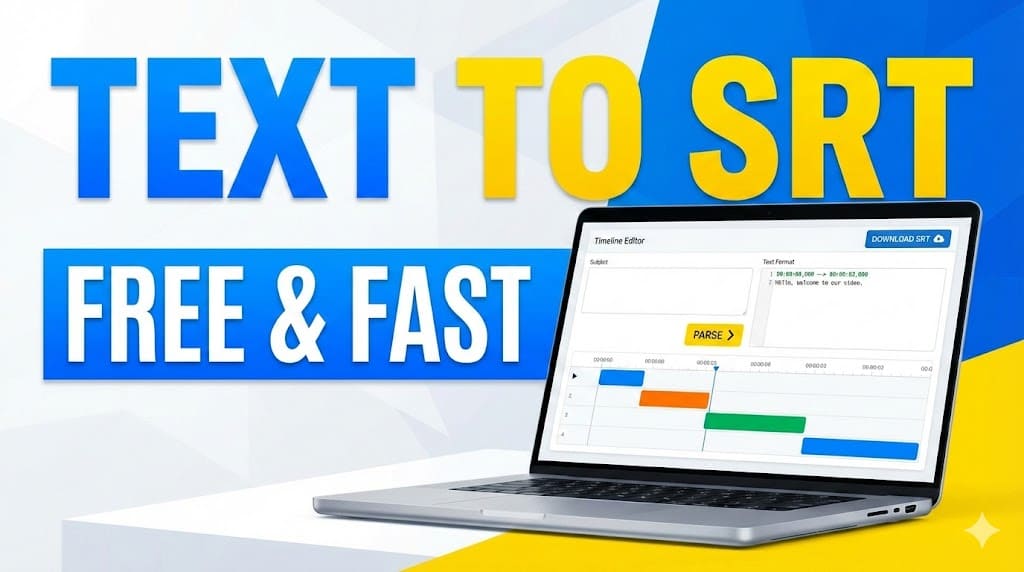
Convert TXT to SRT File Free Online
Do you already have a video script and need a subtitle file quickly?
Instead of manually creating timestamps line by line, you can convert plain text into a properly formatted SRT file in seconds. No software installation. No complicated editing.
This guide shows you how to generate an SRT subtitle file for free using the built-in tool on our website.
What Is an SRT File?
An SRT (SubRip Subtitle) file is one of the most widely used subtitle formats across video platforms.
It is supported by:
- YouTube
- TikTok
- Online courses
- Training videos
- Media players
An SRT file contains:
- Subtitle index number
- Start and end timestamps
- Subtitle text
Example:
Why Not Create SRT Files Manually?
Creating subtitles manually can be time-consuming and error-prone.
You need to:
- Add timestamps for every line
- Follow the exact SRT format
- Avoid formatting errors
- Maintain correct time sequence
Even a small mistake in the timestamp format can cause the subtitle file to fail.
Using an automatic text to SRT converter saves hours of manual work.
How to Convert Text to SRT Online for Free
Our website already includes a built-in subtitle conversion tool. Follow these 4 simple steps:
Step 1: Go to the SRT to Speech Page
Open the SRT to Speech page on our website.

Step 2: Select “Text to SRT” Mode
After entering the page, choose:
👉 Text to SRT
This mode allows you to paste plain text and automatically generate subtitle blocks.

Step 3: Paste Your Script
Copy and paste your full script into the input box.
You can use:
- YouTube scripts
- TikTok scripts
- Course materials
- Podcast transcripts
- Any plain text content
Then click:
👉 Parse to SRT
The system will automatically:
- Split text into subtitle lines
- Generate timestamps
- Format everything according to SRT standards
Step 4: Download the SRT File
After processing is complete, simply click:
👉 Download
Your .srt file will be saved to your device instantly.

Key Benefits of This Tool
- Free to use
- No account required
- No software installation
- Instant subtitle generation
- Proper SRT formatting
- Works for YouTube and TikTok
Who Should Use This Text to SRT Tool?
This tool is ideal for:
- YouTube creators
- TikTok creators
- Online educators
- Course creators
- Video editors
- Content marketers
If you already have a script, converting it into subtitles takes less than a minute.
Conclusion
If you need a fast and reliable way to turn text into subtitles, converting text to SRT online is the simplest solution.
Instead of spending hours formatting timestamps manually, just:
- Go to the SRT to Speech page
- Choose Text to SRT
- Paste your text
- Click Parse to SRT
- Download your file
Done in under one minute.
Alternatively, you can also try the Video to SRT or Audio to SRT tools if you need to create subtitles from another file.